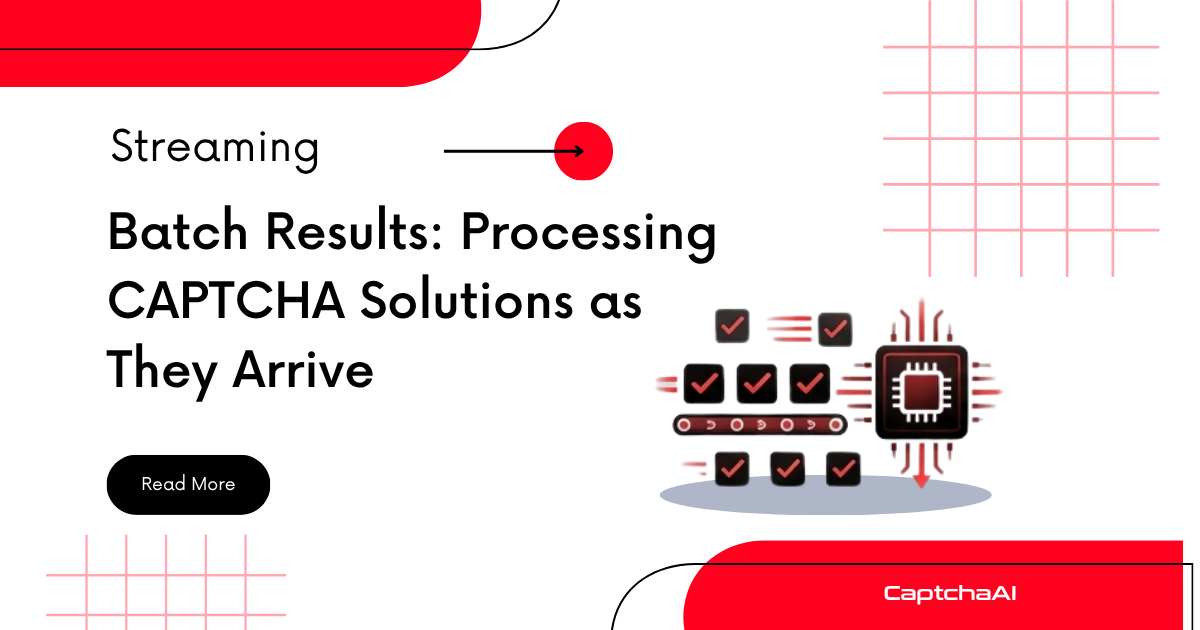
A batch of 500 CAPTCHA tasks completes unevenly — some solve in 8 seconds, others take 45. Waiting for every task to finish before processing results wastes the time between the first and last solution. Streaming lets your downstream pipeline consume each result the moment it arrives.
Streaming vs. Batch-Then-Process
| Approach | Time to First Result | Memory | Pipeline Latency |
|---|---|---|---|
| Wait for all | After slowest task | All results in memory | High |
| Stream as solved | After fastest task | One result at a time | Low |
| Micro-batch (chunks of 10) | After first chunk | 10 results at a time | Medium |
Python: Async Generator for Streaming Results
Using asyncio and aiohttp, each solution yields immediately through an async generator:
import asyncio
import aiohttp
import time

API_KEY = "YOUR_API_KEY"
SUBMIT_URL = "https://ocr.captchaai.com/in.php"
RESULT_URL = "https://ocr.captchaai.com/res.php"


async def submit_task(session, task_data):
    """Submit a single CAPTCHA task."""
    params = {
        "key": API_KEY,
        "method": task_data.get("method", "userrecaptcha"),
        "json": 1,
    }
    if params["method"] == "userrecaptcha":
        params["googlekey"] = task_data["sitekey"]
        params["pageurl"] = task_data["pageurl"]
    elif params["method"] == "turnstile":
        params["sitekey"] = task_data["sitekey"]
        params["pageurl"] = task_data["pageurl"]

    async with session.post(SUBMIT_URL, data=params) as resp:
        result = await resp.json(content_type=None)
        if result.get("status") != 1:
            return None, result.get("request", "unknown")
        return result["request"], None


async def poll_task(session, task_id, timeout=300):
    """Poll until solved or timeout."""
    start = time.monotonic()
    while time.monotonic() - start < timeout:
        await asyncio.sleep(5)
        params = {"key": API_KEY, "action": "get", "id": task_id, "json": 1}
        async with session.get(RESULT_URL, params=params) as resp:
            result = await resp.json(content_type=None)

        if result.get("request") == "CAPCHA_NOT_READY":
            continue
        if result.get("status") == 1:
            return result["request"], None
        return None, result.get("request", "unknown")

    return None, "TIMEOUT"


async def solve_one(session, index, task_data, semaphore):
    """Solve a single task within concurrency limits."""
    async with semaphore:
        start = time.monotonic()
        task_id, error = await submit_task(session, task_data)
        if error:
            return {"index": index, "status": "failed", "error": error, "time": 0}

        token, error = await poll_task(session, task_id)
        elapsed = time.monotonic() - start

        if token:
            return {"index": index, "status": "solved", "token": token, "time": round(elapsed, 1)}
        return {"index": index, "status": "failed", "error": error, "time": round(elapsed, 1)}


async def stream_results(tasks, max_concurrent=20):
    """
    Async generator that yields each result as it completes.
    Results arrive in completion order, not submission order.
    """
    semaphore = asyncio.Semaphore(max_concurrent)

    async with aiohttp.ClientSession() as session:
        pending = set()
        for i, task in enumerate(tasks):
            coro = solve_one(session, i, task, semaphore)
            pending.add(asyncio.ensure_future(coro))

        while pending:
            done, pending = await asyncio.wait(pending, return_when=asyncio.FIRST_COMPLETED)
            for future in done:
                yield future.result()


async def main():
    tasks = [
        {"sitekey": "SITE_KEY", "pageurl": f"https://example.com/page{i}"}
        for i in range(50)
    ]

    solved = 0
    failed = 0

    async for result in stream_results(tasks, max_concurrent=15):
        # Process each result immediately
        if result["status"] == "solved":
            solved += 1
            print(f"  [{solved + failed}/{len(tasks)}] Task {result['index']} SOLVED in {result['time']}s")

            # Use token immediately — don't wait for batch
            # await submit_form(result["token"])
            # await save_to_database(result)
        else:
            failed += 1
            print(f"  [{solved + failed}/{len(tasks)}] Task {result['index']} FAILED: {result['error']}")

    print(f"\nDone: {solved} solved, {failed} failed")


asyncio.run(main())
Install dependencies:
pip install aiohttp
JavaScript: EventEmitter Streaming Pattern
Node.js uses an event-driven approach — emit each result as it resolves:
const { EventEmitter } = require("events");

const API_KEY = "YOUR_API_KEY";
const SUBMIT_URL = "https://ocr.captchaai.com/in.php";
const RESULT_URL = "https://ocr.captchaai.com/res.php";

class CaptchaStream extends EventEmitter {
  constructor(maxConcurrent = 15) {
    super();
    this.maxConcurrent = maxConcurrent;
    this.active = 0;
    this.queue = [];
    this.total = 0;
    this.completed = 0;
  }

  async submitAndPoll(index, taskData) {
    const params = new URLSearchParams({
      key: API_KEY,
      method: taskData.method || "userrecaptcha",
      googlekey: taskData.sitekey,
      pageurl: taskData.pageurl,
      json: "1",
    });

    const start = Date.now();
    const submitResp = await (await fetch(SUBMIT_URL, { method: "POST", body: params })).json();

    if (submitResp.status !== 1) {
      return { index, status: "failed", error: submitResp.request, time: 0 };
    }

    const taskId = submitResp.request;
    for (let i = 0; i < 60; i++) {
      await new Promise((r) => setTimeout(r, 5000));
      const url = `${RESULT_URL}?key=${API_KEY}&action=get&id=${taskId}&json=1`;
      const poll = await (await fetch(url)).json();

      if (poll.request === "CAPCHA_NOT_READY") continue;
      const elapsed = ((Date.now() - start) / 1000).toFixed(1);
      if (poll.status === 1) return { index, status: "solved", token: poll.request, time: elapsed };
      return { index, status: "failed", error: poll.request, time: elapsed };
    }
    return { index, status: "failed", error: "TIMEOUT", time: ((Date.now() - start) / 1000).toFixed(1) };
  }

  async processNext() {
    if (this.queue.length === 0 || this.active >= this.maxConcurrent) return;

    const { index, taskData } = this.queue.shift();
    this.active++;

    try {
      const result = await this.submitAndPoll(index, taskData);
      this.emit("result", result);
    } catch (err) {
      this.emit("result", { index, status: "failed", error: err.message });
    } finally {
      this.active--;
      this.completed++;

      if (this.completed === this.total) {
        this.emit("done");
      } else {
        this.processNext();
      }
    }
  }

  start(tasks) {
    this.total = tasks.length;
    this.queue = tasks.map((taskData, index) => ({ index, taskData }));

    // Launch initial batch
    const initial = Math.min(this.maxConcurrent, tasks.length);
    for (let i = 0; i < initial; i++) {
      this.processNext();
    }
    return this;
  }
}

// Usage
const tasks = Array.from({ length: 50 }, (_, i) => ({
  sitekey: "SITE_KEY",
  pageurl: `https://example.com/page${i}`,
}));

const stream = new CaptchaStream(15);
let solved = 0, failed = 0;

stream.on("result", (result) => {
  if (result.status === "solved") {
    solved++;
    console.log(`[${solved + failed}/${tasks.length}] Task ${result.index} SOLVED (${result.time}s)`);
    // Use token immediately
    // submitForm(result.token);
  } else {
    failed++;
    console.log(`[${solved + failed}/${tasks.length}] Task ${result.index} FAILED: ${result.error}`);
  }
});

stream.on("done", () => {
  console.log(`\nComplete: ${solved} solved, ${failed} failed`);
});

stream.start(tasks);
When to Use Streaming vs. Collect-All
| Scenario | Approach |
|---|---|
| Form submissions using tokens | Stream — submit each form as soon as token arrives |
| CSV export of all results | Collect all — write once when batch completes |
| Dashboard with live progress | Stream — update UI on each result event |
| Batch with inter-task dependencies | Collect all — process in order after completion |
| Large batches (1,000+) | Stream — reduce peak memory usage |
Troubleshooting
| Issue | Cause | Fix |
|---|---|---|
| Results arrive in random order | Normal — streaming yields fastest first | Use result.index to map back to original task |
| Memory still grows during stream | Storing all results in array | Process and discard results in the handler |
| First result takes too long | All tasks submitted simultaneously | Stagger submissions with semaphore or concurrency limit |
| EventEmitter warning: MaxListenersExceeded | Too many listeners on stream | Use setMaxListeners() or ensure one listener per event type |
| Async generator hangs | Unresolved task in pending set | Add timeout to poll_task; ensure all futures complete or error |
FAQ
Does streaming increase API calls compared to batch?
No — the same number of submit and poll calls happen either way. Streaming only changes when your application processes each result, not how many API calls are made.
How do I maintain task order when streaming?
Each result carries its original index. If order matters for downstream processing, buffer results in a sorted structure and flush contiguous runs (like TCP packet reassembly).
Can I combine streaming with checkpointing?
Yes. Append each result to a checkpoint file as it arrives. On resume, load the checkpoint, filter out completed indices, and re-process only the remaining tasks.
Related Articles
Next Steps
Process CAPTCHA solutions the moment they arrive — get your CaptchaAI API key and build streaming pipelines.
Related guides:
Full Working Code
Complete runnable examples for this article in Python, Node.js, PHP, Go, Java, C#, Ruby, Rust, Kotlin & Bash.
View on GitHub →




Discussions (0)
Join the conversation
Sign in to share your opinion.
Sign InNo comments yet.