import base64

with open("captcha.png", "rb") as f:
    image_b64 = base64.b64encode(f.read()).decode()

data = {
    "key": "YOUR_API_KEY",
    "method": "base64",
    "body": image_b64,
    "json": 1,
}
BLS CAPTCHA
Parameter
Required
Example
key
Yes
Your API key
method
Yes
bls
sitekey
Yes
BLS sitekey
pageurl
Yes
Full URL
Pre-Submit Validation
REQUIRED_PARAMS = {
    "userrecaptcha": ["key", "method", "googlekey", "pageurl"],
    "turnstile": ["key", "method", "sitekey", "pageurl"],
    "geetest": ["key", "method", "gt", "challenge", "pageurl"],
    "base64": ["key", "method", "body"],
    "bls": ["key", "method", "sitekey", "pageurl"],
}


def validate_params(data):
    """Validate required parameters before submission."""
    method = data.get("method")
    if not method:
        raise ValueError("Missing 'method' parameter")

    required = REQUIRED_PARAMS.get(method)
    if not required:
        raise ValueError(f"Unknown method: {method}")

    missing = [p for p in required if not data.get(p)]
    if missing:
        raise ValueError(f"Missing required parameters: {', '.join(missing)}")

    # Format validation
    if "pageurl" in data:
        if not data["pageurl"].startswith(("http://", "https://")):
            raise ValueError("pageurl must start with http:// or https://")

    if "googlekey" in data:
        if len(data["googlekey"]) < 20:
            raise ValueError("googlekey appears too short")

    return True


# Use before every submission
data = {
    "key": "YOUR_API_KEY",
    "method": "userrecaptcha",
    "googlekey": "SITEKEY",
    "pageurl": "https://example.com",
    "json": 1,
}

validate_params(data)
Common Mistakes
Mistake
Error Result
Fix
method missing
BAD_PARAMETERS
Add method field
pageurl without https://
BAD_PARAMETERS or PAGEURL error
Include full URL
body empty for image CAPTCHA
BAD_PARAMETERS
Encode image to base64
Wrong method for CAPTCHA type
BAD_PARAMETERS
Check correct method name
Turnstile using googlekey
BAD_PARAMETERS
Use sitekey for Turnstile
GeeTest missing challenge
BAD_PARAMETERS
Extract fresh challenge token
Troubleshooting
Issue
Cause
Fix
"method" is correct but still errors
Typo in parameter name
Check exact spelling (case-sensitive)
Works for v2, fails for v3
Missing version=v3
Add version parameter
Image CAPTCHA fails
Bad base64 encoding
Verify with base64.b64decode(body)
GeeTest always fails
Challenge token expired
Get fresh challenge before submit
FAQ
Which parameters are case-sensitive?
Parameter names are case-sensitive. Use lowercase: method, googlekey, pageurl. The method value is also case-sensitive: use userrecaptcha, not UserRecaptcha.
Can I send extra parameters?
Yes. Unknown parameters are ignored. This won't cause BAD_PARAMETERS — only missing required ones will.
How do I know which method to use?
Check the CAPTCHA type on the target page. reCAPTCHA → userrecaptcha, Turnstile → turnstile, GeeTest → geetest, Image → base64 or post.
Use Python's Thread Pool Executor for concurrent CAPTCHA solving — run multiple Captcha AI requests in paralle...
Jan 15, 2026
Troubleshooting
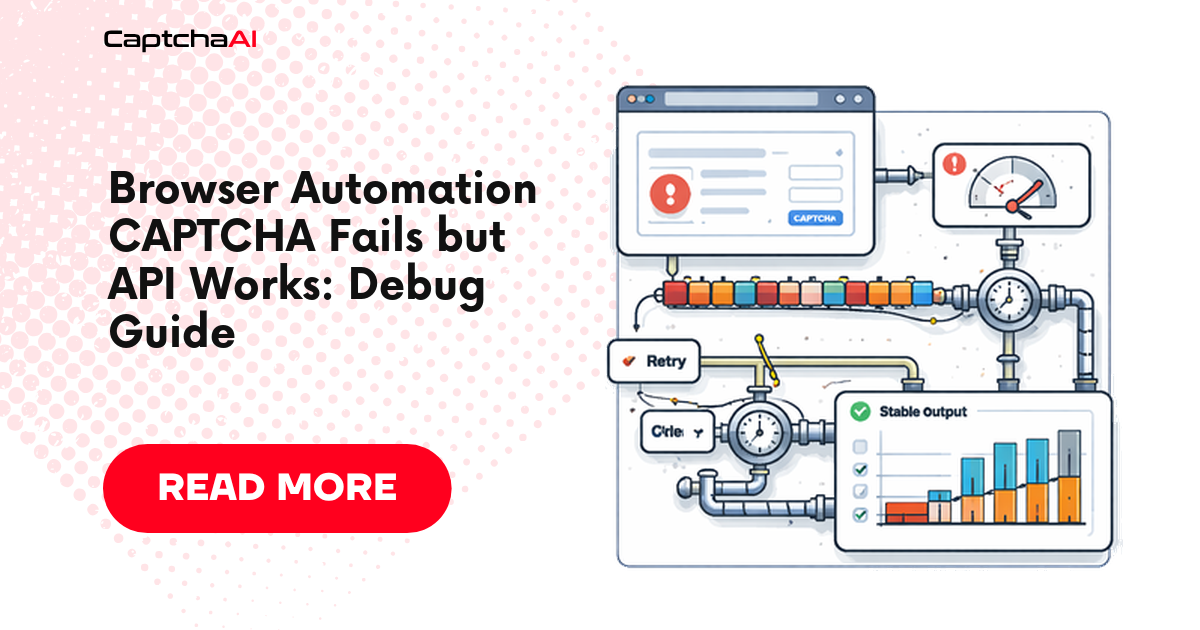
A practical debugging system for sitekey, page URL, polling, token injection, callback, timeout, and browser-state failures when Captcha AI returns a valid-look...
Step-by-step guide to migrate from Cap Solver to Captcha AI. API differences, code examples, and why Captcha A...
Feb 23, 2026
DevOps & Scaling
Use NATS messaging for lightweight, high-performance CAPTCHA task distribution — publish tasks, distribute to workers, and collect results with Captcha AI.
Use NATS messaging for lightweight, high-performance CAPTCHA task distribution — publish tasks, distribute to...
Jan 24, 2026
Troubleshooting
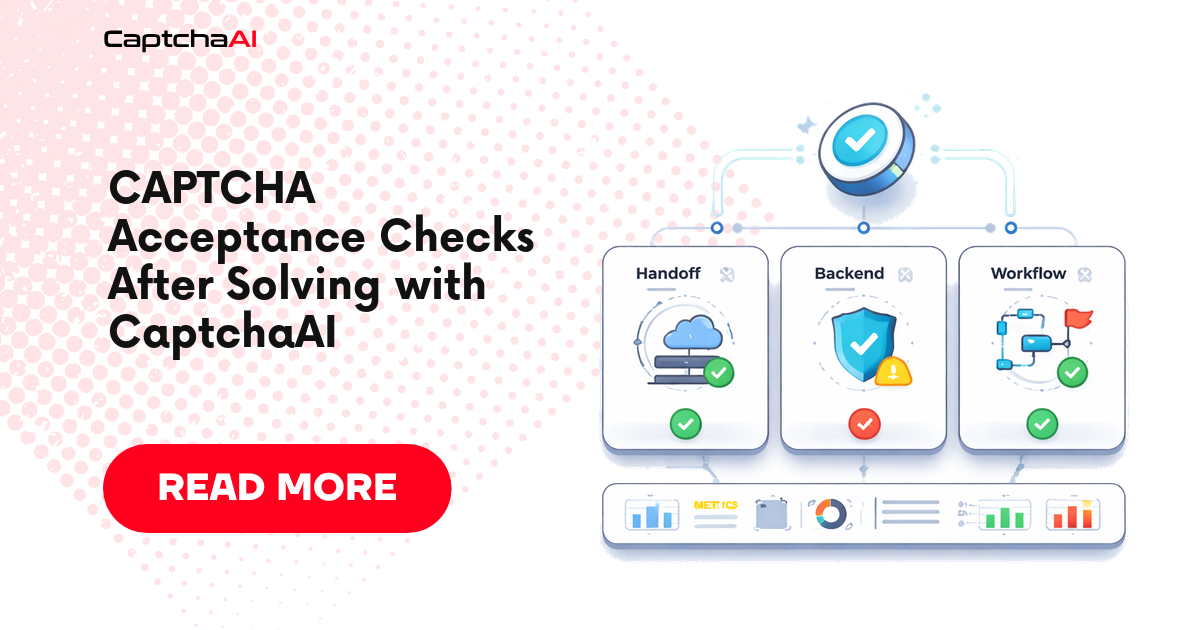
how to prove that a CAPTCHA token was accepted after Captcha AI solves it, with same-session checks, backend acceptance probes, retry rules, logs, metrics, and...






Discussions (0)
Join the conversation
Sign in to share your opinion.
Sign InNo comments yet.