n8n is an open-source workflow automation tool with native loop support, making it more flexible than Zapier for CAPTCHA solving. You can build a submit → poll → use workflow that retries automatically until the solve completes.
Workflow overview
Manual Trigger / Cron
    ↓
HTTP Request: Submit CAPTCHA
    ↓
Wait: 10 seconds
    ↓
Loop: Poll until solved
    ├── HTTP Request: Get result
    ├── IF: status == 1? → Exit loop
    └── Wait: 5 seconds → Loop again
    ↓
HTTP Request: Use token
Node 1: Submit CAPTCHA
Add an HTTP Request node:
| Setting | Value |
|---|---|
| Method | POST |
| URL | https://ocr.captchaai.com/in.php |
| Body Content Type | Form URL Encoded |
Body parameters:
| Name | Value |
|---|---|
key |
{{ $credentials.captchaaiApiKey }} or hardcode your key |
method |
userrecaptcha |
googlekey |
6Le-SITEKEY |
pageurl |
https://example.com |
json |
1 |
Response:
{
  "status": 1,
  "request": "71823456"
}
Node 2: Wait
Add a Wait node:
| Setting | Value |
|---|---|
| Wait Time | 10 |
| Unit | Seconds |
This gives the solver time to start processing before the first poll.
Node 3: Poll result (with loop)
n8n supports loops through the Loop Over Items node or by connecting an IF node's false output back to a previous node.
Option A: Simple IF loop
Add an HTTP Request node (Poll):
| Setting | Value |
|---|---|
| Method | GET |
| URL | https://ocr.captchaai.com/res.php |
| Query Parameters | key, action=get, id={{ $json.request }}, json=1 |
Connect it to an IF node:
| Condition | Value |
|---|---|
| Value 1 | {{ $json.status }} |
| Operation | Equal |
| Value 2 | 1 |
- True output → Continue to the next action (use token)
- False output → Wait (5 seconds) → back to Poll node
Option B: Code node
For more control, use a Code node:
const apiKey = 'YOUR_API_KEY';
const taskId = $input.first().json.request;

for (let i = 0; i < 24; i++) {
  await new Promise(r => setTimeout(r, 5000));

  const resp = await fetch(
    `https://ocr.captchaai.com/res.php?key=${apiKey}&action=get&id=${taskId}&json=1`
  );
  const data = await resp.json();

  if (data.status === 1) {
    return [{ json: { token: data.request, taskId } }];
  }
  if (data.request !== 'CAPCHA_NOT_READY') {
    throw new Error(`CaptchaAI error: ${data.request}`);
  }
}

throw new Error(`Task ${taskId} timed out`);
Node 4: Use the token
Add another HTTP Request node to submit the form with the solved token:
| Setting | Value |
|---|---|
| Method | POST |
| URL | https://target-site.com/submit |
| Body Content Type | Form URL Encoded |
Body parameters include your form data plus:
| Name | Value |
|---|---|
g-recaptcha-response |
{{ $json.token }} |
Storing the API key securely
Use n8n's Credentials system:
- Go to Credentials → Add Credential → Header Auth
- Name:
CaptchaAI API Key - Store the key securely
Or use environment variables:
# In your n8n environment
export CAPTCHAAI_API_KEY="your_key_here"
Reference in nodes: {{ $env.CAPTCHAAI_API_KEY }}
Image CAPTCHA workflow
For image CAPTCHAs, adjust the Submit node:
| Name | Value |
|---|---|
method |
base64 |
body |
Base64-encoded image (from a previous node or URL) |
To convert an image URL to base64 in n8n, add a Code node before the submit:
const imageUrl = $input.first().json.imageUrl;
const resp = await fetch(imageUrl);
const buffer = Buffer.from(await resp.arrayBuffer());
const base64 = buffer.toString('base64');

return [{ json: { imageBase64: base64 } }];
Balance check workflow
Create a separate workflow that runs on a schedule:
Cron (daily at 9 AM)
    ↓
HTTP Request: GET res.php?action=getbalance
    ↓
IF: balance < 5
    ↓
Slack / Email: "CaptchaAI balance low: $X.XX"
n8n vs Zapier for CAPTCHA solving
| Feature | n8n | Zapier |
|---|---|---|
| Loop/retry support | Native (IF loops, Loop node) | Limited (Paths only) |
| Self-hosted option | Yes (free) | No (cloud only) |
| Code nodes | Full JavaScript | Limited |
| Cost | Free (self-hosted) or paid cloud | Paid (per task) |
| Ease of setup | Moderate | Easy |
n8n is better for CAPTCHA workflows because of its loop support and Code nodes.
Troubleshooting
| Problem | Cause | Fix |
|---|---|---|
| Poll loop runs forever | No max iteration limit | Add a counter variable, break after 24 iterations |
CAPCHA_NOT_READY nonstop |
Wait time too short before first poll | Increase initial wait to 15-20 seconds |
| Token not available in next node | Wrong expression path | Check {{ $json.token }} matches the output |
| Credentials not found | Environment variable not set | Restart n8n after setting env vars |
FAQ
Can I process multiple CAPTCHAs in one workflow?
Yes. Use the Split In Batches node to process multiple items, each with its own submit → poll → use flow.
Does n8n support Turnstile?
Yes. Change method to turnstile and use sitekey instead of googlekey.
Build CAPTCHA solving into your n8n workflows
Get your API key at captchaai.com.
Related guides
- Zapier + CaptchaAI: No-Code Automation
- CaptchaAI API Quickstart
- CaptchaAI Callback URL / Webhook Guide
Full Working Code
Complete runnable examples for this article in Python, Node.js, PHP, Go, Java, C#, Ruby, Rust, Kotlin & Bash.
View on GitHub →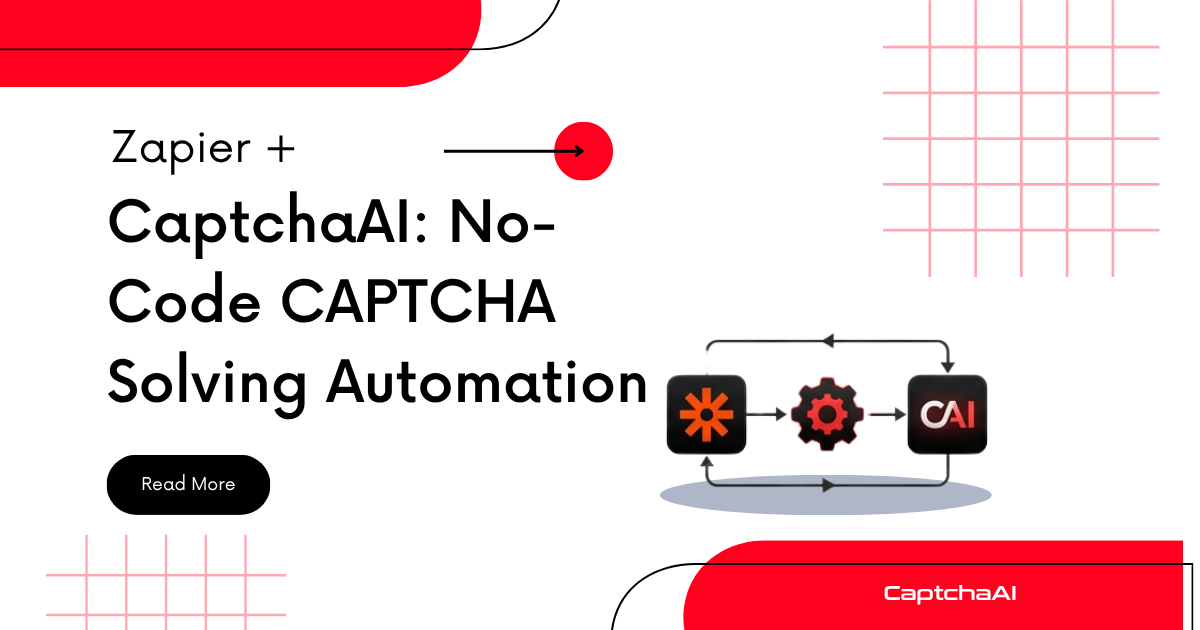


Discussions (0)
Join the conversation
Sign in to share your opinion.
Sign InNo comments yet.