
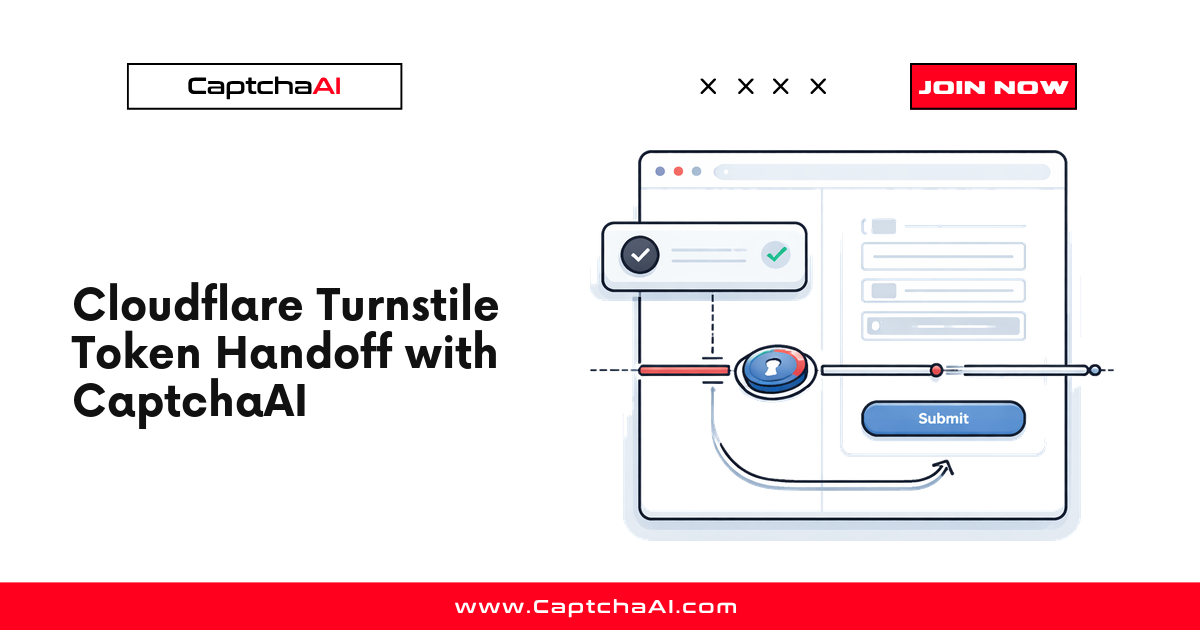
Cloudflare Turnstile is a privacy-focused CAPTCHA alternative that runs silently in the background. Unlike traditional CAPTCHAs, it rarely shows a visible challenge. Instead, it collects browser signals and issues a token that the site backend verifies.
This guide shows you how to solve Turnstile challenges programmatically using the CaptchaAI API.
Requirements
| Item | Value |
|---|---|
| CaptchaAI API key | From captchaai.com |
| Turnstile sitekey | Extracted from the target page |
| Page URL | The URL where Turnstile appears |
| Language | Python 3.7+ or Node.js 14+ |
Step 1: Find the Turnstile sitekey
The sitekey is in the page HTML, typically in a div or script tag:
<!-- Common patterns -->
<div class="cf-turnstile" data-sitekey="0x4AAAAAAAD..."></div>

<!-- Or in JavaScript -->
turnstile.render('#container', { sitekey: '0x4AAAAAAAD...' });
To find it:
- Open DevTools → Elements tab
- Search (
Ctrl+F) fordata-sitekeyorturnstile - Copy the sitekey value (starts with
0x4)
Step 2: Submit the task to CaptchaAI
Send the sitekey and page URL to the CaptchaAI API.
Python
import requests
import time

API_KEY = "YOUR_API_KEY"

# Submit task
response = requests.get("https://ocr.captchaai.com/in.php", params={
    "key": API_KEY,
    "method": "turnstile",
    "sitekey": "0x4AAAAAAAD...",
    "pageurl": "https://example.com/protected-page",
    "json": 1
})

data = response.json()
if data.get("status") != 1:
    raise Exception(f"Submit error: {data.get('request')}")

task_id = data["request"]
print(f"Task submitted: {task_id}")
Node.js
const axios = require('axios');

const API_KEY = 'YOUR_API_KEY';

async function submitTurnstile(sitekey, pageurl) {
  const { data } = await axios.get('https://ocr.captchaai.com/in.php', {
    params: {
      key: API_KEY,
      method: 'turnstile',
      sitekey: sitekey,
      pageurl: pageurl,
      json: 1
    }
  });

  if (data.status !== 1) throw new Error(`Submit error: ${data.request}`);
  return data.request;
}
Step 3: Poll for the solution
Wait for CaptchaAI to solve the Turnstile challenge and return the token.
Python
def get_solution(task_id):
    for attempt in range(30):
        time.sleep(5)
        result = requests.get("https://ocr.captchaai.com/res.php", params={
            "key": API_KEY,
            "action": "get",
            "id": task_id,
            "json": 1
        }).json()

        if result.get("status") == 1:
            return result["request"]
        if result.get("request") != "CAPCHA_NOT_READY":
            raise Exception(f"Error: {result.get('request')}")

    raise Exception("Timeout: solution not received")

token = get_solution(task_id)
print(f"Token: {token[:50]}...")
Node.js
async function getSolution(taskId) {
  for (let i = 0; i < 30; i++) {
    await new Promise(r => setTimeout(r, 5000));
    const { data } = await axios.get('https://ocr.captchaai.com/res.php', {
      params: { key: API_KEY, action: 'get', id: taskId, json: 1 }
    });

    if (data.status === 1) return data.request;
    if (data.request !== 'CAPCHA_NOT_READY') throw new Error(data.request);
  }
  throw new Error('Timeout');
}
Step 4: Submit the token to the target site
Inject the token into the form's cf-turnstile-response field:
Python (requests)
submit_response = requests.post("https://example.com/submit", data={
    "cf-turnstile-response": token,
    "username": "user@example.com",
    "password": "password123"
})

print(f"Status: {submit_response.status_code}")
Python (Selenium)
from selenium import webdriver

driver = webdriver.Chrome()
driver.get("https://example.com/protected-page")

# Inject the token
driver.execute_script(f"""
  document.querySelector('[name="cf-turnstile-response"]').value = '{token}';
""")

# Submit the form
driver.find_element("css selector", "form").submit()
Complete Python example
import requests
import time

API_KEY = "YOUR_API_KEY"
SITEKEY = "0x4AAAAAAAD..."
PAGE_URL = "https://example.com/protected-page"

# 1. Submit
resp = requests.get("https://ocr.captchaai.com/in.php", params={
    "key": API_KEY, "method": "turnstile",
    "sitekey": SITEKEY, "pageurl": PAGE_URL, "json": 1
}).json()
task_id = resp["request"]

# 2. Poll
for _ in range(30):
    time.sleep(5)
    result = requests.get("https://ocr.captchaai.com/res.php", params={
        "key": API_KEY, "action": "get", "id": task_id, "json": 1
    }).json()
    if result.get("status") == 1:
        token = result["request"]
        break

# 3. Use token
response = requests.post(PAGE_URL, data={
    "cf-turnstile-response": token,
    "email": "user@example.com"
})
print(f"Result: {response.status_code}")
Troubleshooting
| Error | Cause | Fix |
|---|---|---|
ERROR_WRONG_CAPTCHA_ID |
Invalid task ID | Resubmit the task |
ERROR_CAPTCHA_UNSOLVABLE |
Turnstile challenge failed | Retry — may be a temporary issue |
ERROR_BAD_PARAMETERS |
Missing sitekey or pageurl | Verify both parameters are correct |
| Token rejected by site | Token expired or wrong sitekey | Use token within 5 minutes; verify sitekey |
FAQ
How long does Turnstile solving take?
Typically 10–20 seconds. Turnstile challenges are faster than reCAPTCHA image challenges.
Does Turnstile require a proxy?
No. Unlike Cloudflare Challenge pages, Turnstile solving does not require proxy parameters.
How do I know if a site uses Turnstile vs full Cloudflare Challenge?
Turnstile appears as a widget on the page (similar to reCAPTCHA). Cloudflare Challenge shows a full-page "Checking your browser" interstitial before you reach the page content.
Can I solve Turnstile with invisible mode?
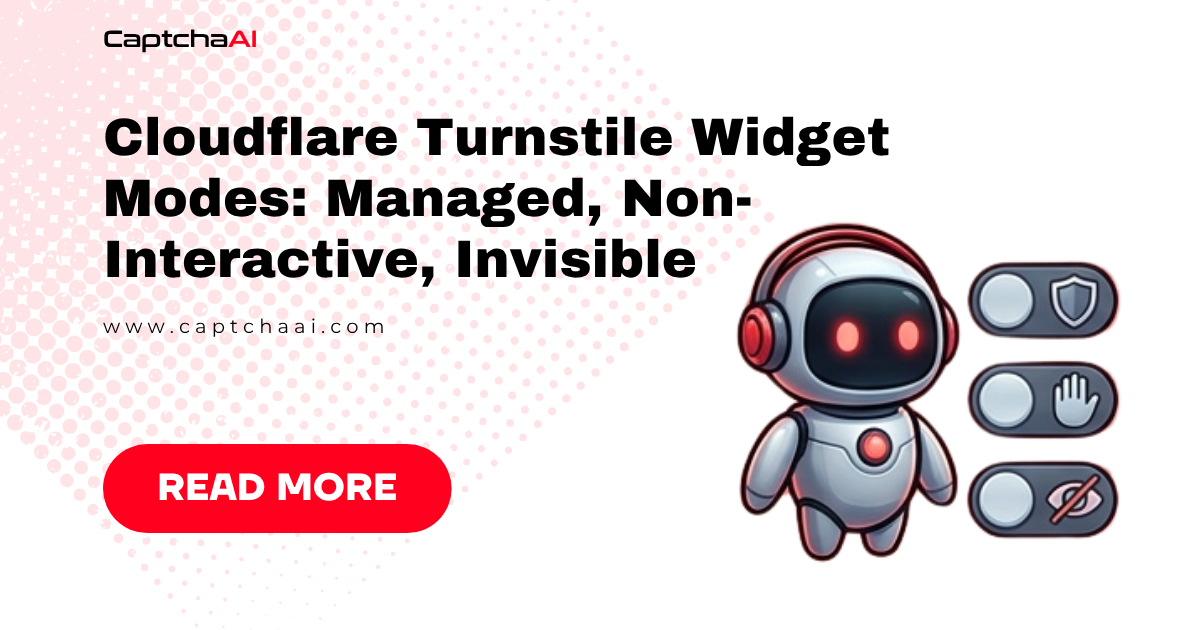
Yes. Many Turnstile implementations are invisible (no widget). The solving process is the same — you still need the sitekey and page URL.
How long is the Turnstile token valid?
Tokens typically expire after 300 seconds (5 minutes). Submit the token promptly after receiving it.
Related guides
- How Cloudflare Turnstile Works
- Cloudflare Turnstile Errors and Troubleshooting
- How to Solve Cloudflare Challenge Using API
- Cloudflare Turnstile vs reCAPTCHA
Full Working Code
Complete runnable examples for this article in Python, Node.js, PHP, Go, Java, C#, Ruby, Rust, Kotlin & Bash.
View on GitHub →


Discussions (0)
Join the conversation
Sign in to share your opinion.
Sign InNo comments yet.