
Cloudflare Turnstile is a CAPTCHA replacement that verifies users without image challenges. It uses browser-level signals like Private Access Tokens, JavaScript execution challenges, and behavioral analysis to determine if a visitor is human.
Launched in 2022, Turnstile is designed to be privacy-preserving — it does not track users across sites or use cookies for fingerprinting.
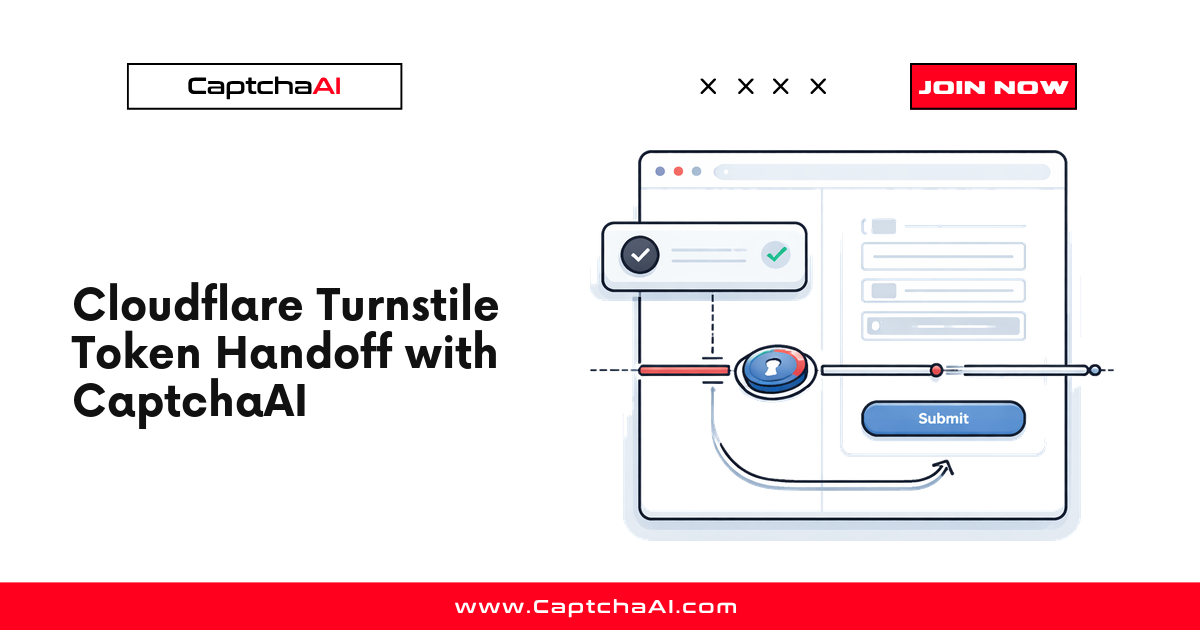
How Turnstile verification works
- Widget loads — The site includes
challenges.cloudflare.com/turnstile/v0/api.jswith a sitekey - Browser challenges run — Turnstile executes lightweight JavaScript challenges in the background
- Signals collected — Browser environment, execution timing, and hardware signals are analyzed
- Token generated — If the browser passes, Turnstile generates a
cf-turnstile-responsetoken - Backend verification — The site sends the token to Cloudflare's
siteverifyendpoint - Response returned — Cloudflare confirms the token is valid and returns a success/failure response
User visits page
      ↓
Turnstile JS loads
      ↓
Background challenges run (< 1 second)
      ↓
Token generated → sent to site backend
      ↓
Backend calls siteverify → Cloudflare confirms
      ↓
User gains access
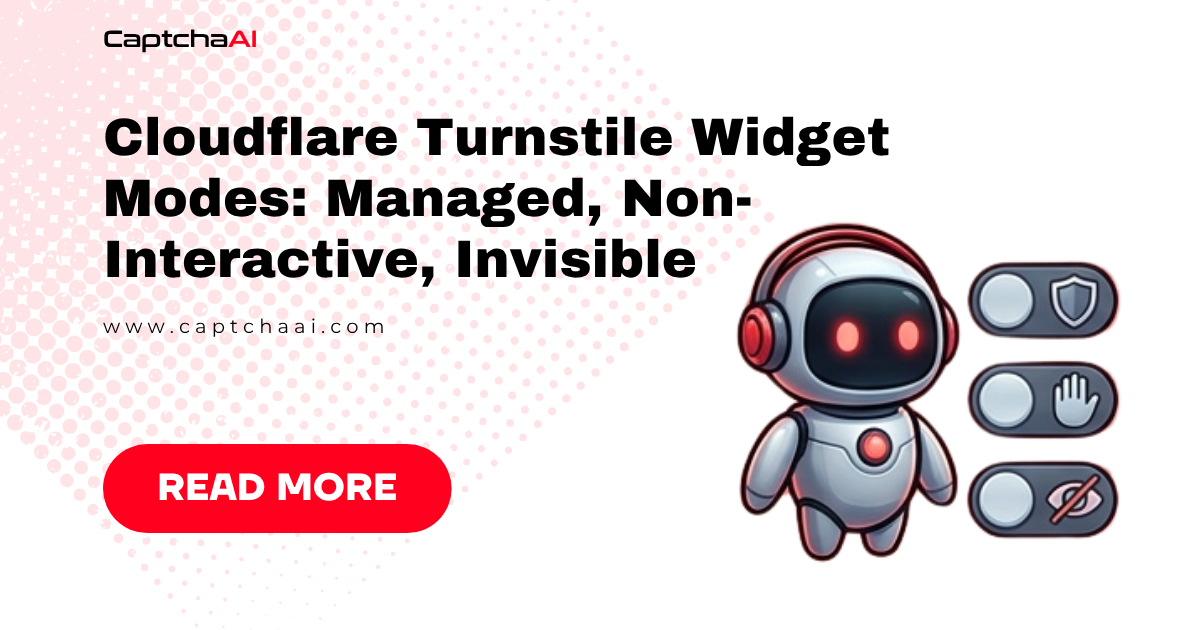
Turnstile widget modes
| Mode | Behavior | User sees |
|---|---|---|
| Managed | Decides automatically whether to show widget | Sometimes a checkbox, usually nothing |
| Non-interactive | Always runs silently | Nothing — completely invisible |
| Invisible | No widget rendered at all | Nothing |
Most sites use managed mode, where Turnstile shows a brief loading spinner and then auto-completes without user interaction.
What Turnstile checks
Unlike reCAPTCHA, Turnstile does not analyze mouse movement or page interactions. Instead, it focuses on:
| Signal | What it measures |
|---|---|
| JavaScript execution | Can the browser execute specific JS challenges? |
| Timing analysis | How fast does the browser complete challenges? |
| Browser APIs | Are expected APIs present and functional? |
| Private Access Tokens | Does the device support Apple/Google PATs? |
| WebAssembly | Can the browser execute WASM modules? |
| Canvas/WebGL | Browser rendering capabilities |
| Environment consistency | Do claimed and actual browser features match? |
Turnstile vs reCAPTCHA
| Feature | Turnstile | reCAPTCHA v2 | reCAPTCHA v3 |
|---|---|---|---|
| User interaction | Rarely | Checkbox + images | None |
| Image challenges | Never | Yes | No |
| Score-based | No (pass/fail) | No (pass/fail) | Yes (0.0–1.0) |
| Privacy | No cross-site tracking | Uses Google cookies | Uses Google cookies |
| Requires Google account | No | Benefits from it | Benefits from it |
| Free tier | Yes | Yes | Yes |
| Self-hosted option | No (Cloudflare only) | No (Google only) | No (Google only) |
Turnstile vs Cloudflare Challenge
These are different products:
| Feature | Turnstile | Cloudflare Challenge |
|---|---|---|
| Integration | Site adds widget to their page | Cloudflare proxy shows interstitial |
| Requirements | Any website | Site must use Cloudflare as proxy |
| Page access | User is already on the page | User cannot reach the page until verified |
| Cookie set | No cf_clearance |
Sets cf_clearance cookie |
| Proxy needed for solving | No | Yes |
Finding Turnstile on a page
Look for these indicators:
<!-- Script tag -->
<script src="https://challenges.cloudflare.com/turnstile/v0/api.js"></script>

<!-- Widget container -->
<div class="cf-turnstile" data-sitekey="0x4AAAAAAAD..."></div>

<!-- Or explicit render -->
<script>
  turnstile.render('#container', {
    sitekey: '0x4AAAAAAAD...',
    callback: function(token) { /* handle token */ }
  });
</script>
The sitekey always starts with 0x4 followed by alphanumeric characters.
Solving Turnstile with CaptchaAI
import requests
import time

response = requests.get("https://ocr.captchaai.com/in.php", params={
    "key": "YOUR_API_KEY",
    "method": "turnstile",
    "sitekey": "0x4AAAAAAAD...",
    "pageurl": "https://example.com/login",
    "json": 1
})

task_id = response.json()["request"]

for _ in range(30):
    time.sleep(5)
    result = requests.get("https://ocr.captchaai.com/res.php", params={
        "key": "YOUR_API_KEY", "action": "get", "id": task_id, "json": 1
    }).json()
    if result.get("status") == 1:
        token = result["request"]
        print(f"Turnstile token: {token[:50]}...")
        break
FAQ
Does Turnstile work without JavaScript?
No. Turnstile requires JavaScript to execute its browser challenges. Noscript browsers will fail.
Can Turnstile be used on non-Cloudflare sites?
Yes. Unlike Cloudflare Challenge pages, Turnstile is a standalone widget that any website can embed — the site does not need to use Cloudflare as its DNS/CDN provider.
Does Turnstile use cookies?
Turnstile may set a cf_clearance-like cookie in some configurations, but it does not use third-party tracking cookies like Google's reCAPTCHA.
How fast is Turnstile verification?
For real users, typically under 1 second. Most users never see any visible widget. Solving via CaptchaAI takes 10–20 seconds.



Discussions (0)
Join the conversation
Sign in to share your opinion.
Sign InNo comments yet.