Cloudflare Turnstile gives site owners control over how the verification widget looks and behaves. Sites choose between visible and invisible modes, light and dark themes, and explicit or implicit rendering. These choices change the user experience but not the solving process — CaptchaAI handles all Turnstile configurations with a 100% success rate.
Widget Modes
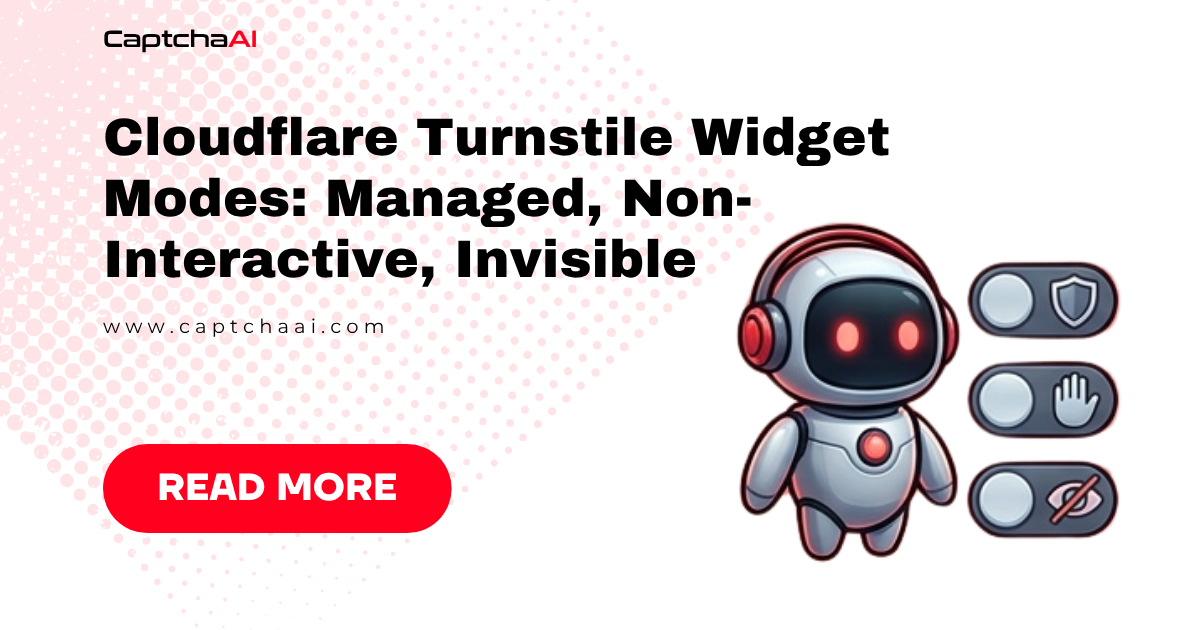
Turnstile offers three operational modes:
Managed Mode
The default mode. Cloudflare decides whether to show a visible challenge:
<div class="cf-turnstile" data-sitekey="0x4AAAA..." data-theme="light"></div>
<script src="https://challenges.cloudflare.com/turnstile/v0/api.js" async defer></script>
- Shows a small widget (similar in size to reCAPTCHA checkbox)
- May auto-complete without user interaction if risk is low
- May show a brief challenge animation if risk is moderate
- User never sees image grids or complex puzzles
Non-Interactive Mode
Runs entirely in the background with no user interaction:
<div class="cf-turnstile" data-sitekey="0x4AAAA..." data-appearance="interaction-only"></div>
- No visible widget unless interaction is needed
- Cloudflare's challenge runs silently via JavaScript
- If the silent check passes, the token is generated automatically
- Falls back to an interactive widget only if the silent check fails
Invisible Mode
Completely hidden. Triggered programmatically:
turnstile.execute('0x4AAAA...', {
  action: 'login',
  cData: 'custom-data'
});
- No visible element on the page
- Site calls
turnstile.execute()at the appropriate moment - Token is generated and passed via callback
- User never sees any widget
Visual Themes
| Theme | Appearance | HTML attribute |
|---|---|---|
| Light | White background, dark text | data-theme="light" |
| Dark | Dark background, light text | data-theme="dark" |
| Auto | Matches user's system preference | data-theme="auto" |
Themes affect only the visual appearance. CaptchaAI solving is not impacted by theme selection.
Widget Sizes
| Size | Dimensions | HTML attribute |
|---|---|---|
| Normal | 300×65 px | data-size="normal" |
| Flexible | Adapts to container width | data-size="flexible" |
| Compact | 150×140 px | data-size="compact" |
Render Modes
Sites choose how the Turnstile script initializes:
Implicit Rendering
The script auto-renders widgets found in the DOM:
<div class="cf-turnstile" data-sitekey="0x4AAAA..."></div>
<script src="https://challenges.cloudflare.com/turnstile/v0/api.js" async defer></script>
The script scans for elements with class cf-turnstile and renders widgets automatically.
Explicit Rendering
The script loads but doesn't render until called:
<script src="https://challenges.cloudflare.com/turnstile/v0/api.js?render=explicit" async defer></script>
<script>
  turnstile.render('#captcha-container', {
    sitekey: '0x4AAAA...',
    callback: function(token) {
      document.getElementById('cf-token').value = token;
    }
  });
</script>
Explicit rendering is common in SPAs where the widget container doesn't exist in the initial HTML.
Configuration Attributes
Full list of data-* attributes supported on the widget div:
| Attribute | Values | Default | Purpose |
|---|---|---|---|
data-sitekey |
Site key string | Required | Identifies the Turnstile configuration |
data-theme |
light, dark, auto |
auto |
Visual theme |
data-size |
normal, flexible, compact |
normal |
Widget dimensions |
data-language |
ISO code (e.g., en, ja) |
Auto-detected | Widget text language |
data-callback |
Function name | — | Called with token on success |
data-error-callback |
Function name | — | Called on error |
data-expired-callback |
Function name | — | Called when token expires |
data-action |
Action label | — | Identifies the page action |
data-cdata |
Custom data string | — | Passed through to verification |
data-appearance |
always, execute, interaction-only |
always |
When to show the widget |
data-retry |
auto, never |
auto |
Whether to auto-retry on failure |
data-retry-interval |
Milliseconds | 8000 | Delay between auto-retries |
data-tabindex |
Number | 0 | Tab order for accessibility |
How Each Mode Affects Solving
CaptchaAI solves all Turnstile modes identically. You submit the same parameters:
| Parameter | Value |
|---|---|
key |
Your CaptchaAI API key |
method |
turnstile |
sitekey |
The Turnstile site key (0x4AAAA...) |
pageurl |
The page URL |
Extracting the Site Key
Regardless of render mode, the site key appears in one of these locations:
# Implicit: data-sitekey attribute
site_key = page.eval_on_selector(
    ".cf-turnstile", "el => el.dataset.sitekey"
)

# Explicit: in the turnstile.render() call
# Search page source for sitekey
import re
source = page.content()
match = re.search(r"sitekey['\"]?\s*[:=]\s*['\"]?(0x[A-Za-z0-9]+)", source)
site_key = match.group(1) if match else None
Token Handling by Mode
| Mode | Token delivery | How to capture |
|---|---|---|
| Managed | Hidden input cf-turnstile-response |
Read from form field |
| Non-Interactive | Same hidden input | Read from form field |
| Invisible | Callback function | Intercept callback or read injected field |
| Explicit | Callback function parameter | Intercept callback |
When using CaptchaAI, you inject the token into the appropriate location:
# For managed/non-interactive: set the hidden input
page.evaluate(f"""
    document.querySelector('[name="cf-turnstile-response"]').value = '{token}';
""")

# For explicit with callback: trigger the callback
page.evaluate(f"window.turnstileCallback('{token}')")
Troubleshooting
| Issue | Cause | Fix |
|---|---|---|
| Can't find site key | Explicit rendering, key in JS bundle | Search page source and scripts for 0x4 prefix |
| Widget not rendering | SPA — container doesn't exist yet | Wait for the container element before extracting |
| Token field name differs | Site uses custom field name | Inspect the form to find the correct field |
| Auto-retry conflicts | data-retry="auto" refreshes widget |
Inject token before the widget auto-retries |
FAQ
Does the Turnstile theme affect solving difficulty?
No. Theme is purely visual. CaptchaAI's solving process is independent of the widget's appearance.
Is invisible Turnstile harder to solve than managed?
No. CaptchaAI solves all modes with the same parameters and the same 100% success rate. The mode only affects how the widget appears to users.
How do I handle explicit rendering in automation?
Wait for the turnstile.render() call to execute (watch for the widget iframe to appear), extract the site key from the render call or the resulting widget element, then proceed normally.
Related Articles
- Cloudflare Challenge Vs Turnstile Detecting
- Geetest Vs Cloudflare Turnstile Comparison
- Cloudflare Turnstile 403 After Token Fix
Next Steps
Solve any Turnstile widget configuration — get your CaptchaAI API key for 100% Turnstile success rate.


Discussions (0)
Join the conversation
Sign in to share your opinion.
Sign InNo comments yet.