reCAPTCHA v3 Enterprise does not show a challenge. Instead, it silently scores every interaction on a scale from 0.0 (definitely bot) to 1.0 (definitely human). The site owner sets action-specific thresholds — for example, 0.5 for viewing a page but 0.7 for submitting a payment.
Enterprise scoring adds features beyond standard v3: reason codes that explain why a score was low, adaptive risk thresholds, and integration with Google Cloud security tools. For automation developers, the key fact is: you need a token that passes the site's threshold for the specific action you are performing.
How the scoring process works
- Script loads —
enterprise.jsruns on the page, collecting browser signals - Action executed —
grecaptcha.enterprise.execute(sitekey, {action: 'checkout'})generates a token - Backend verification — the site sends the token to
recaptchaenterprise.googleapis.com/v1/projects/PROJECT/assessments - Score returned — Google returns a score (0.0–1.0) plus reason codes
- Site decides — the backend compares the score against its threshold for that action
Score ranges and what they mean
| Score range | Interpretation | Typical site response |
|---|---|---|
| 0.9 | Very likely human | Allow |
| 0.7–0.8 | Probably human | Allow |
| 0.5–0.6 | Uncertain | Allow with additional checks |
| 0.3–0.4 | Suspicious | Block or show v2 challenge |
| 0.1–0.2 | Very likely bot | Block |
CaptchaAI typically returns tokens with a score of 0.3, which passes sites with thresholds at 0.3 or below. Sites with higher thresholds (0.5+) may require additional measures.
Action-based scoring
Enterprise v3 scores differently based on the action parameter:
// Different actions may have different thresholds:
grecaptcha.enterprise.execute('SITEKEY', {action: 'homepage'});  // Low threshold (0.3)
grecaptcha.enterprise.execute('SITEKEY', {action: 'login'});     // Medium threshold (0.5)
grecaptcha.enterprise.execute('SITEKEY', {action: 'purchase'});  // High threshold (0.7)
Using the wrong action in your CaptchaAI request may result in a token that scores differently than expected.
Enterprise reason codes
Enterprise adds reason codes alongside the score:
| Reason code | Meaning |
|---|---|
AUTOMATION |
Interaction appears automated |
UNEXPECTED_ENVIRONMENT |
Browser environment is unusual |
TOO_MUCH_TRAFFIC |
Excessive requests from this source |
UNEXPECTED_USAGE_PATTERNS |
Interaction pattern is abnormal |
LOW_CONFIDENCE_SCORE |
Insufficient signals to assign a confident score |
Site owners use these to create custom rules beyond simple score thresholds.
Solving Enterprise v3 with CaptchaAI
import requests
import time

response = requests.get("https://ocr.captchaai.com/in.php", params={
    "key": "YOUR_API_KEY",
    "method": "userrecaptcha",
    "version": "v3",
    "enterprise": 1,
    "googlekey": "6LfZil0UAAAAADM1Dpz...",
    "action": "login",
    "pageurl": "https://example.com/login",
    "json": 1
})

task_id = response.json()["request"]

for _ in range(30):
    time.sleep(5)
    result = requests.get("https://ocr.captchaai.com/res.php", params={
        "key": "YOUR_API_KEY", "action": "get", "id": task_id, "json": 1
    }).json()
    if result.get("status") == 1:
        token = result["request"]
        break
FAQ
What score does CaptchaAI return for Enterprise v3?
Typically around 0.3. This passes most sites but may be rejected by sites with high thresholds.
Can I request a specific score from CaptchaAI?
No. The score depends on the solving environment and the site's configuration. CaptchaAI aims for the highest achievable score.
Does the action value affect the score?
Yes. Sites can have different thresholds per action. Always use the exact action value from the site's JavaScript.
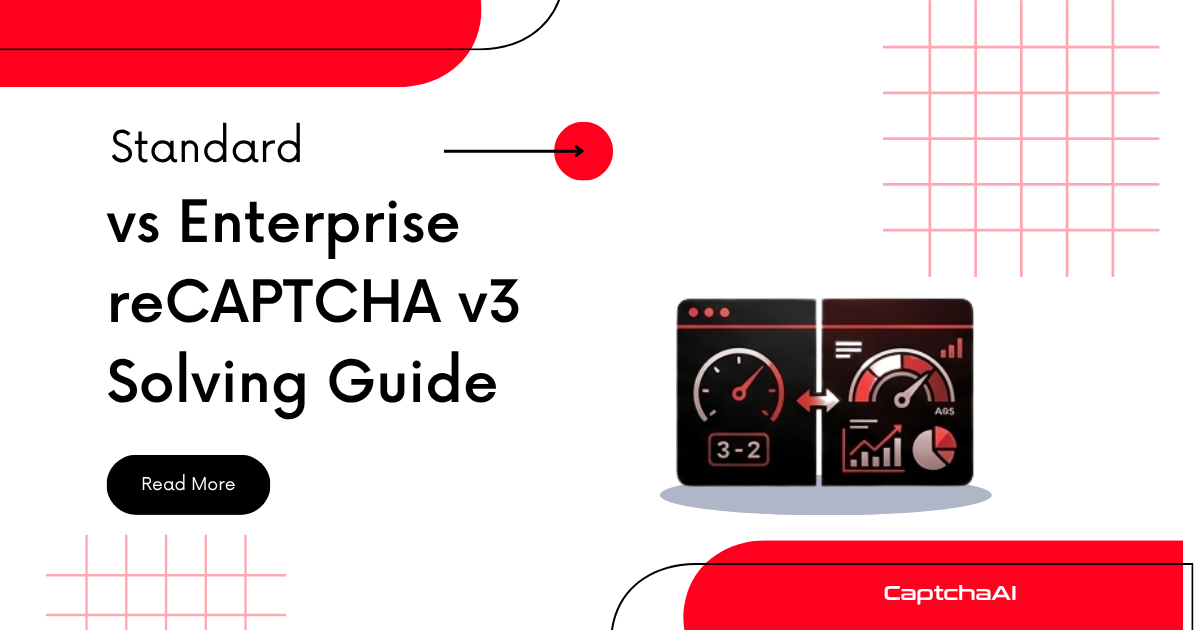
How does Enterprise v3 differ from standard v3?
Enterprise adds reason codes, project-based management, and custom thresholds. For CaptchaAI users, the main difference is adding enterprise=1 to the request.
What if my token has a low score?
Some sites fall back to a v2 challenge when the v3 score is low. If you are consistently rejected, check if the site has a secondary v2 challenge and solve that instead.


Discussions (0)
Join the conversation
Sign in to share your opinion.
Sign InNo comments yet.