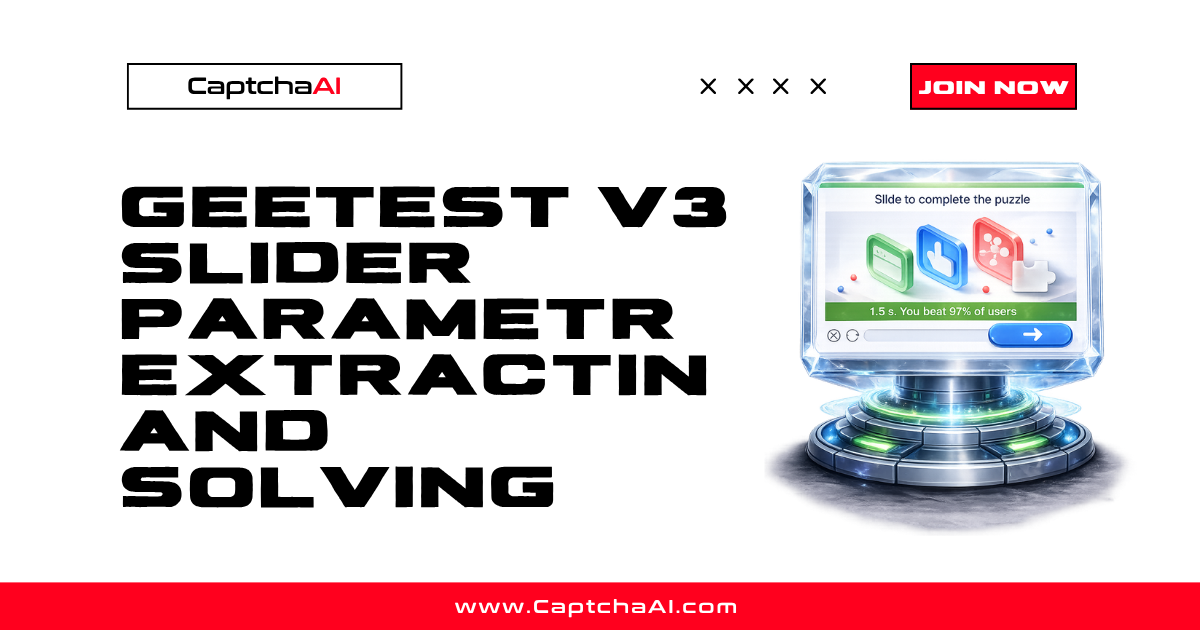
GeeTest v3 slider CAPTCHAs require two parameters to solve: gt (a static site identifier) and challenge (a dynamic session token). This guide shows how to extract both from any page and submit them to CaptchaAI.
GeeTest v3 parameters explained
| Parameter | Description | Static/Dynamic | Example |
|---|---|---|---|
gt |
Site identifier (32-char hex) | Static per site | 019924a82c70bb123aae90d483b6a0ed |
challenge |
Session token (32-char hex) | Dynamic per page load | a3f5c8d2e1b04a6789012345678abcdf |
api_server |
GeeTest API subdomain (optional) | Static per site | api-na.geetest.com |
The gt value stays the same across requests. The challenge value changes every time the CAPTCHA loads — you must extract a fresh one for each solve attempt.
Method 1: Intercept the register API call
Most GeeTest v3 implementations fetch the challenge from a registration endpoint. The response looks like:
{
  "success": 1,
  "challenge": "a3f5c8d2e1b04a6789012345678abcdf",
  "gt": "019924a82c70bb123aae90d483b6a0ed",
  "new_captcha": true
}
Python (requests)
import requests
import re

session = requests.Session()
html = session.get("https://example.com/login").text

# Find the register endpoint
register_url = re.search(
    r'(https?://[^"\']+(?:register|captcha|geetest)[^"\']*)',
    html
)

if register_url:
    resp = session.get(register_url.group(1)).json()
    gt = resp["gt"]
    challenge = resp["challenge"]
    print(f"gt: {gt}")
    print(f"challenge: {challenge}")
JavaScript (Puppeteer network interception)
const puppeteer = require('puppeteer');

const browser = await puppeteer.launch();
const page = await browser.newPage();

let geetestParams = {};

page.on('response', async (response) => {
  const url = response.url();
  if (url.includes('register') || url.includes('captcha')) {
    try {
      const json = await response.json();
      if (json.gt && json.challenge) {
        geetestParams = {
          gt: json.gt,
          challenge: json.challenge,
        };
        console.log('Captured GeeTest params:', geetestParams);
      }
    } catch (e) {}
  }
});

await page.goto('https://example.com/login', { waitUntil: 'networkidle2' });
console.log('Final params:', geetestParams);
Method 2: Extract from page source
Some sites embed the parameters directly in HTML or inline scripts:
import re

# From data attributes
gt_match = re.search(r'data-gt=["\']([a-f0-9]{32})', html)
challenge_match = re.search(r'data-challenge=["\']([a-f0-9]{32})', html)

# From JavaScript variables
if not gt_match:
    gt_match = re.search(r'gt\s*[=:]\s*["\']([a-f0-9]{32})', html)
if not challenge_match:
    challenge_match = re.search(r'challenge\s*[=:]\s*["\']([a-f0-9]{32})', html)

gt = gt_match.group(1) if gt_match else None
challenge = challenge_match.group(1) if challenge_match else None
print(f"gt={gt}, challenge={challenge}")
Method 3: Hook initGeetest
GeeTest v3 initializes via initGeetest(). Intercept it before the page scripts run:
// Puppeteer: inject before page scripts
await page.evaluateOnNewDocument(() => {
  window.__geetestConfig = null;
  const origInit = window.initGeetest;

  Object.defineProperty(window, 'initGeetest', {
    set(fn) {
      this._initGeetest = function(config, callback) {
        window.__geetestConfig = config;
        console.log('GeeTest config:', JSON.stringify(config));
        return fn(config, callback);
      };
    },
    get() { return this._initGeetest; }
  });
});

await page.goto('https://example.com/login', { waitUntil: 'networkidle2' });

const config = await page.evaluate(() => window.__geetestConfig);
// config = { gt: "019924a...", challenge: "a3f5c8d...", product: "bind", ... }
Solving GeeTest v3 with CaptchaAI
Python
import requests
import time

API_KEY = "YOUR_API_KEY"

# Submit
resp = requests.post("https://ocr.captchaai.com/in.php", data={
    "key": API_KEY,
    "method": "geetest",
    "gt": gt,
    "challenge": challenge,
    "pageurl": "https://example.com/login",
    "json": "1",
}).json()

if resp["status"] != 1:
    raise Exception(f"Submit error: {resp['request']}")

task_id = resp["request"]

# Poll
for _ in range(30):
    time.sleep(5)
    result = requests.get("https://ocr.captchaai.com/res.php", params={
        "key": API_KEY, "action": "get", "id": task_id, "json": "1"
    }).json()

    if result["status"] == 1:
        solution = result["request"]
        print(f"Solution: {solution}")
        break
    if result["request"] != "CAPCHA_NOT_READY":
        raise Exception(f"Error: {result['request']}")
JavaScript
const submit = await axios.post('https://ocr.captchaai.com/in.php', null, {
  params: {
    key: 'YOUR_API_KEY',
    method: 'geetest',
    gt: geetestParams.gt,
    challenge: geetestParams.challenge,
    pageurl: 'https://example.com/login',
    json: 1,
  }
});
const taskId = submit.data.request;

let solution = null;
for (let i = 0; i < 30; i++) {
  await new Promise(r => setTimeout(r, 5000));
  const poll = await axios.get('https://ocr.captchaai.com/res.php', {
    params: { key: 'YOUR_API_KEY', action: 'get', id: taskId, json: 1 }
  });
  if (poll.data.status === 1) {
    solution = poll.data.request;
    break;
  }
}
console.log('Solution:', solution);
Injecting the GeeTest solution
The CaptchaAI response for GeeTest v3 includes challenge, validate, and seccode:
# solution is a pipe-delimited string or JSON object
# Parse and inject into the form
import json

sol = json.loads(solution) if isinstance(solution, str) else solution

driver.execute_script("""
    const form = document.querySelector('form');
    function addHidden(name, value) {
        let input = form.querySelector(`input[name="${name}"]`);
        if (!input) {
            input = document.createElement('input');
            input.type = 'hidden';
            input.name = name;
            form.appendChild(input);
        }
        input.value = value;
    }
    addHidden('geetest_challenge', arguments[0]);
    addHidden('geetest_validate', arguments[1]);
    addHidden('geetest_seccode', arguments[2]);
""", sol["challenge"], sol["validate"], sol["seccode"])
Troubleshooting
| Problem | Cause | Fix |
|---|---|---|
ERROR_BAD_PARAMETERS |
Missing gt or challenge |
Both are required; extract fresh values |
| Stale challenge | Challenge token expired | Extract a new challenge immediately before submitting |
Wrong gt value |
Copied from different site | gt is site-specific; re-extract from the target |
| Solution rejected by site | Challenge expired during solve | Reduce time between extraction and submission |
FAQ
How long is a GeeTest challenge valid?
Typically 60-120 seconds. Extract the challenge and submit to CaptchaAI immediately.
What's the difference between GeeTest v3 and v4?
GeeTest v3 uses gt/challenge parameters and a slider. GeeTest v4 uses captcha_id and has multiple challenge types (click, match, slide).
Solve GeeTest v3 CAPTCHAs with CaptchaAI
Get your API key at captchaai.com.
Related guides
- Browser Console CAPTCHA Detection
- Extracting reCAPTCHA Parameters
- Cloudflare Turnstile Sitekey Extraction
Full Working Code
Complete runnable examples for this article in Python, Node.js, PHP, Go, Java, C#, Ruby, Rust, Kotlin & Bash.
View on GitHub →



Discussions (0)
Join the conversation
Sign in to share your opinion.
Sign InNo comments yet.