
When Cloudflare decides to challenge a visitor, a multi-step session flow begins. The browser gets blocked, receives a challenge page, executes JavaScript, potentially solves a Turnstile widget, and finally receives a cf_clearance cookie that grants access. Here's every step.
The Complete Flow
1. Browser requests protected page
         ↓

2. Cloudflare returns 403/503 challenge page
         ↓

3. Challenge page JavaScript executes
         ↓

4. Browser proof-of-work / Turnstile challenge
         ↓

5. Challenge solution submitted to Cloudflare
         ↓

6. Cloudflare validates and issues cf_clearance cookie
         ↓

7. Browser redirects to original URL with cf_clearance
         ↓

8. Protected content served
Step-by-Step HTTP Analysis
Step 1: Initial Request
GET /target-page HTTP/2
Host: example.com
User-Agent: Mozilla/5.0 ...
Accept: text/html
Cookie: (none or expired cf_clearance)
Step 2: Challenge Response
Cloudflare intercepts and returns a challenge page instead of the site content:
HTTP/2 403
Content-Type: text/html
cf-ray: abc123-IAD
Set-Cookie: __cf_bm=xyz; path=/; HttpOnly; Secure; SameSite=None

<!DOCTYPE html>
<html>
<head>
  <title>Just a moment...</title>
  <!-- Challenge scripts -->
</head>
<body>
  <div id="challenge-running">
    Checking if the site connection is secure...
  </div>
  <div id="turnstile-wrapper" class="cf-turnstile" data-sitekey="0x4AAAA..."></div>
  <script src="/cdn-cgi/challenge-platform/scripts/jsd/main.js"></script>
</body>
</html>
Key details:
- Status code is
403(Forbidden) or503(Service Unavailable) - The
__cf_bmcookie is set for bot management tracking - The challenge page contains Cloudflare's challenge scripts
- A Turnstile widget may or may not be present depending on the challenge type
Step 3: JavaScript Execution
The challenge page loads several scripts:
GET /cdn-cgi/challenge-platform/scripts/jsd/main.js
GET /cdn-cgi/challenge-platform/h/g/orchestrate/jsch/v1
These scripts perform:
- Browser environment fingerprinting
- Proof-of-work computation (computational puzzle)
- Canvas, WebGL, and font enumeration
- Timing analysis
- Turnstile widget rendering (if configured)
Step 4: Challenge Solving
Depending on the security level, one of these happens:
| Challenge type | What happens | User action needed |
|---|---|---|
| JS Challenge | Proof-of-work runs silently | None (auto-completes in 1-5 seconds) |
| Managed Challenge | Turnstile widget appears | May need to click or just wait |
| Interactive Challenge | Turnstile with interaction | Click the Turnstile checkbox |
The proof-of-work involves computing a hash that meets Cloudflare's difficulty target — similar to cryptocurrency mining but much simpler.
Step 5: Solution Submission
After solving, the browser POSTs the solution:
POST /cdn-cgi/challenge-platform/h/g/cv/result/abc123 HTTP/2
Host: example.com
Content-Type: application/x-www-form-urlencoded
Cookie: __cf_bm=xyz

jschl_vc=challenge_token&jschl_answer=computed_answer&cf_turnstile_response=0.token...
The POST includes:
- The computed proof-of-work answer
- The Turnstile token (if a Turnstile widget was shown)
- Various fingerprinting data points
Step 6: Cloudflare Validates
Cloudflare checks the solution and responds:
HTTP/2 200
Set-Cookie: cf_clearance=abc123def456; path=/; expires=Thu, 04 Apr 2026 12:30:00 GMT; HttpOnly; Secure; SameSite=None
The cf_clearance cookie is the prize. It proves the visitor passed the challenge.
Step 7: Redirect to Original URL
The challenge page JavaScript redirects the browser:
window.location.href = "https://example.com/target-page";
Or Cloudflare sends a 302 redirect:
HTTP/2 302
Location: https://example.com/target-page
Set-Cookie: cf_clearance=abc123def456; ...
Step 8: Protected Content Served
GET /target-page HTTP/2
Host: example.com
Cookie: cf_clearance=abc123def456; __cf_bm=xyz

HTTP/2 200
Content-Type: text/html
(Protected page content)
The cf_clearance cookie grants access. Subsequent requests with this cookie skip the challenge.
The cf_clearance Cookie
| Property | Value |
|---|---|
| Name | cf_clearance |
| Domain | .example.com |
| Path | / |
| Lifetime | Configurable by site owner (typically 15–30 minutes) |
| Flags | HttpOnly, Secure, SameSite=None |
| Scope | Valid for all paths on the domain |
Cookie Lifetime
The site owner configures how long cf_clearance lasts:
| Setting | Lifetime | Common use |
|---|---|---|
| Short | 15 minutes | High-security sites |
| Default | 30 minutes | Most sites |
| Long | 1–24 hours | Low-security sites |
After expiration, the next request triggers a new challenge.
Cookies Involved in the Flow
| Cookie | Set when | Purpose |
|---|---|---|
__cf_bm |
Step 2 | Bot management tracking |
cf_clearance |
Step 6 | Challenge-passed proof |
__cflb |
Sometimes | Load balancer sticky session |
__cfruid |
Sometimes | Rate limiting identifier |
Challenge Types Breakdown
Cloudflare offers several challenge types, configured per-rule:
JS Challenge (Non-Interactive)
- No user interaction required
- Browser runs proof-of-work JavaScript
- Completes in 1–5 seconds automatically
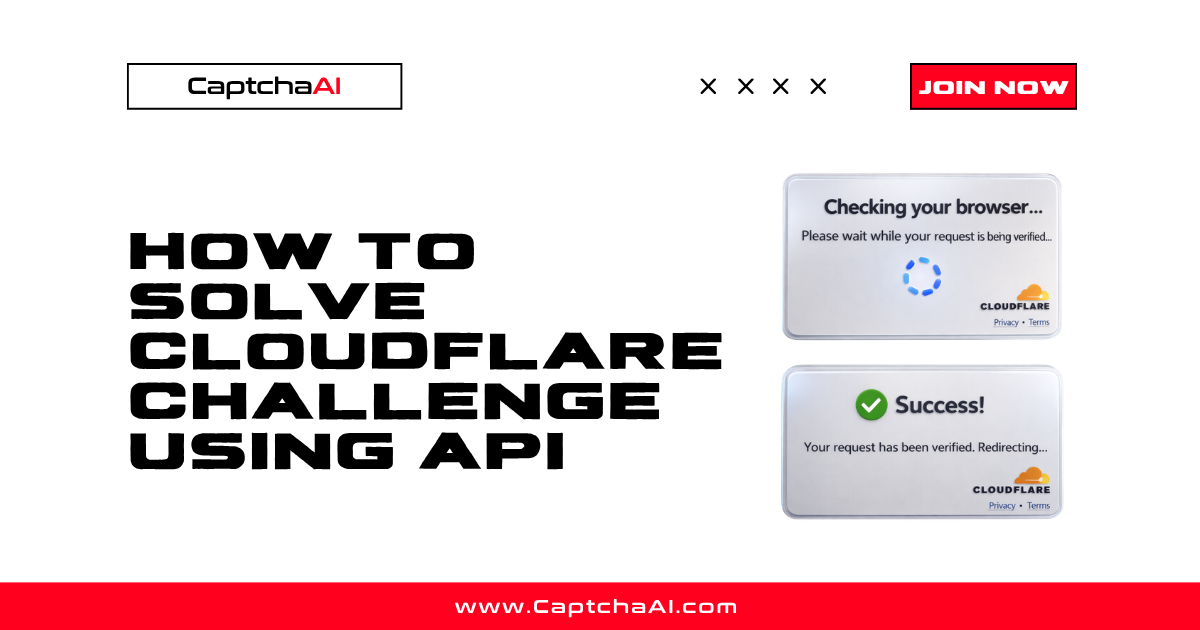
- Shows "Checking your browser..." message
Managed Challenge (Cloudflare Decides)
- Cloudflare picks the appropriate challenge level
- May auto-complete (like JS challenge) if risk is low
- May show Turnstile widget if risk is moderate
- Adapts based on the visitor's signals
Interactive Challenge
- Always shows a Turnstile widget
- Requires user interaction (click)
- Used for higher security requirements
How CaptchaAI Handles This
For Cloudflare Challenge pages, CaptchaAI manages the entire flow — JavaScript execution, proof-of-work, and Turnstile solving. Submit:
| Parameter | Value |
|---|---|
key |
Your CaptchaAI API key |
method |
turnstile |
sitekey |
Turnstile site key from the challenge page |
pageurl |
The original URL you were trying to access |
CaptchaAI returns a valid token. For full challenge page handling, CaptchaAI can return the cf_clearance cookie value that you use in subsequent requests.
Troubleshooting
| Issue | Cause | Fix |
|---|---|---|
| cf_clearance cookie expires too fast | Site has short clearance lifetime | Re-solve when cookie expires |
| Challenge page doesn't load in headless browser | JS fingerprinting detects headless | Use headed mode or stealth settings |
| cf_clearance works for one page but not another | Different Cloudflare security rules per path | May need separate challenges per path |
| Redirect loop after solving | cf_clearance cookie not being sent | Check cookie domain and SameSite settings |
FAQ
Can I reuse a cf_clearance cookie across different IPs?
No. The cf_clearance cookie is typically bound to the IP that solved the challenge. Using it from a different IP will trigger a new challenge.
How do I know when my cf_clearance expires?
Check the cookie's expires attribute. Or monitor for 403/503 responses with challenge pages — that indicates the cookie has expired.
Does every page on a Cloudflare site require a challenge?
No. Site owners configure which paths and rules trigger challenges. Some pages may be unprotected while others require different challenge levels.
Related Articles
- Cloudflare Challenge Vs Turnstile Detecting
- Cloudflare Managed Vs Interactive Challenge
- How Cloudflare Challenge Works
Next Steps
Navigate Cloudflare challenge flows — get your CaptchaAI API key and solve challenges automatically.




Discussions (0)
Join the conversation
Sign in to share your opinion.
Sign InNo comments yet.