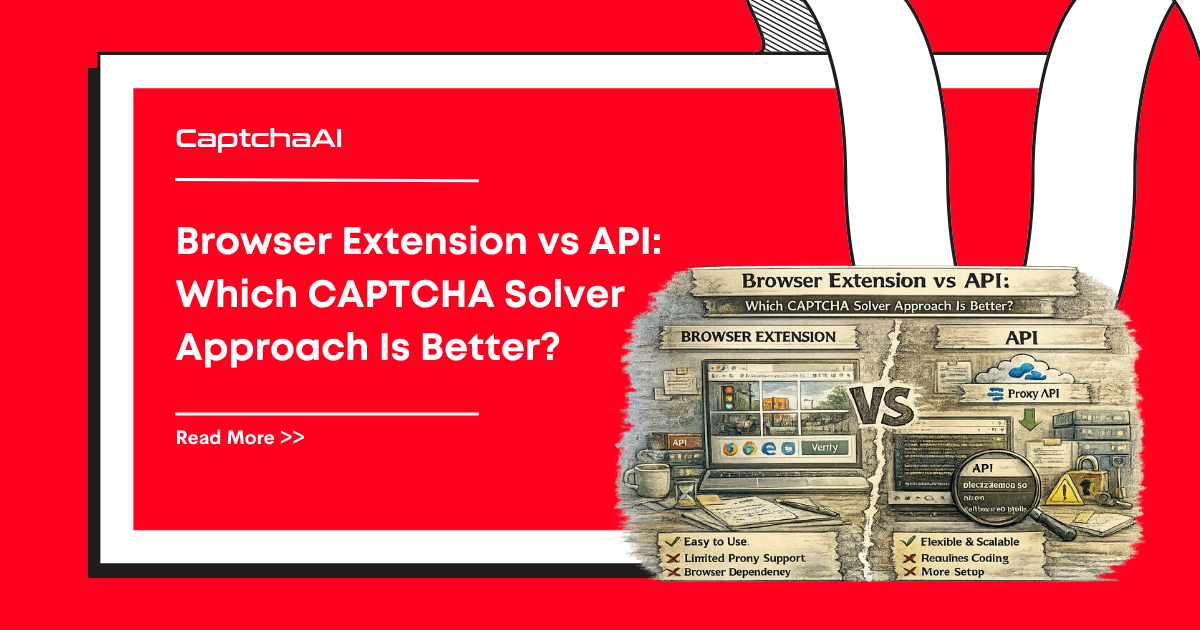
There are two main ways to automate CAPTCHA solving: browser extensions that intercept and solve CAPTCHAs in real-time, and API-based services where you submit CAPTCHA data programmatically. Each has tradeoffs in speed, scalability, and control.
Quick comparison
| Feature | Browser Extension | API-Based Solver |
|---|---|---|
| Setup | Install extension, add API key | Integrate into code with HTTP calls |
| Browser required | Yes | No (unless injecting tokens) |
| Scalability | Low — one browser per instance | High — unlimited parallel requests |
| Speed | Fast (auto-detects + solves) | Depends on CAPTCHA type (5–30s) |
| Control | Limited | Full programmatic control |
| Headless support | Limited | Full |
| Server-side use | No | Yes |
| Cost | Same per-solve pricing | Same per-solve pricing |
| Languages | Browser-only (JavaScript) | Any language |
How browser extensions work
A browser extension monitors page loads for known CAPTCHA widgets (reCAPTCHA, Turnstile, image CAPTCHAs). When detected, it automatically extracts parameters, submits to the solving API, and injects the token back into the page.
Advantages:
- Zero-code setup — install and configure
- Automatic CAPTCHA detection and injection
- Solves CAPTCHAs exactly like a human user
- Works with complex JavaScript-heavy sites
Disadvantages:
- Requires a visible or headless browser
- One browser instance = one solve at a time
- Hard to run at scale (need many browser instances)
- Extension may be detected by anti-bot systems
- Cannot run on servers without a browser
- Limited error handling and retry logic
- Extension updates may break functionality
How API-based solving works
You make HTTP requests to a solving API. Submit CAPTCHA parameters (sitekey, page URL, image data), poll for the result, then use the token in your application — no browser needed.
Advantages:
- Full programmatic control
- Works in any language (Python, Node.js, PHP, Go, etc.)
- Scales to thousands of parallel solves
- Runs on servers, containers, serverless functions
- Custom error handling, retry logic, and monitoring
- Works with or without a browser
- No extension detection risk
Disadvantages:
- Requires coding the integration
- You handle token injection yourself
- Need to extract sitekeys and parameters manually
When to use a browser extension
| Use case | Why extension works |
|---|---|
| Manual browsing with occasional CAPTCHAs | Convenience — no code needed |
| Quick prototyping | Test before building an API integration |
| Single-browser tasks | Form filling, account creation (low volume) |
| Non-developer users | No programming required |
When to use the API
| Use case | Why API is better |
|---|---|
| Web scraping at scale | Parallel solving, no browser overhead |
| Server-side automation | No browser available |
| CI/CD testing | Headless environments |
| Microservices | HTTP calls from any service |
| Multi-CAPTCHA-type handling | Programmatic type detection and routing |
| Custom retry/error handling | Full control over failure recovery |
| Cost optimization | Track usage, cache when possible, avoid redundant solves |
Scalability comparison
| Metric | Extension | API |
|---|---|---|
| 1 CAPTCHA | Same speed | Same speed |
| 10 concurrent CAPTCHAs | 10 browser instances needed | 10 parallel HTTP requests |
| 100 concurrent CAPTCHAs | Impractical | Standard workload |
| 1,000+ concurrent CAPTCHAs | Not feasible | Queue + workers |
| RAM per instance | 200–500 MB (Chrome) | ~10 MB (HTTP client) |
| CPU per instance | High (browser rendering) | Low (HTTP only) |
Reliability comparison
| Factor | Extension | API |
|---|---|---|
| CAPTCHA detection | Automatic (may miss custom CAPTCHAs) | Manual (you control detection logic) |
| Error handling | Extension-level (limited) | Your code (full control) |
| Updates | Extension updates may break things | API versioned, backward-compatible |
| Browser crashes | Lose the session | No browser to crash |
| Anti-bot detection | Extension fingerprint may be detected | No extension fingerprint |
Hybrid approach
For complex sites, combine both: use a browser for navigation and the API for solving.
from selenium import webdriver
import requests
import time

driver = webdriver.Chrome()
driver.get("https://example.com/login")

# Detect CAPTCHA
sitekey = driver.find_element("css selector", "[data-sitekey]").get_attribute("data-sitekey")

# Solve via API (not extension)
submit = requests.post("https://ocr.captchaai.com/in.php", data={
    "key": "YOUR_API_KEY",
    "method": "userrecaptcha",
    "googlekey": sitekey,
    "pageurl": driver.current_url,
    "json": 1
}).json()

task_id = submit["request"]
time.sleep(15)

for _ in range(24):
    result = requests.get("https://ocr.captchaai.com/res.php", params={
        "key": "YOUR_API_KEY", "action": "get", "id": task_id, "json": 1
    }).json()
    if result.get("status") == 1:
        token = result["request"]
        # Inject token via JavaScript
        driver.execute_script(
            f'document.getElementById("g-recaptcha-response").value = "{token}";'
        )
        driver.find_element("css selector", "form").submit()
        break
    time.sleep(5)
This gives you browser-level rendering for JavaScript-heavy sites with API-level control for CAPTCHA solving.
FAQ
Is the per-solve cost different between extension and API?
No. Both use the same CaptchaAI solving infrastructure. The cost per CAPTCHA is identical.
Can I use an extension in headless Chrome?
Technically yes, but support is limited. Headless Chrome can load extensions, but some CAPTCHAs detect headless mode. The API approach is more reliable for headless environments.
Do extensions work with Selenium or Puppeteer?
Some do. You can load the extension into a Selenium-managed browser. But at that point, you are already writing code — the API gives you more control with less overhead.
Should I start with an extension or API?
If you are exploring or need something working in 5 minutes, start with an extension. If you are building production automation, start with the API — you will need it eventually.
Get your CaptchaAI API key
Build scalable CAPTCHA solving at captchaai.com.


Discussions (0)
Join the conversation
Sign in to share your opinion.
Sign InNo comments yet.