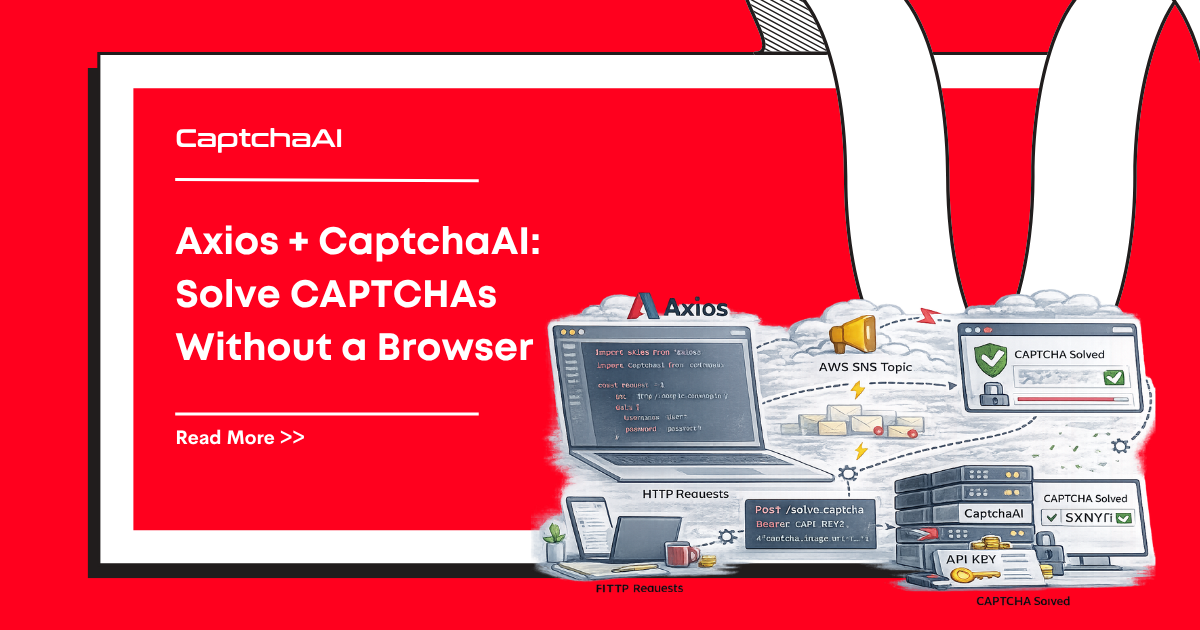
You don't need Puppeteer or Playwright to solve CAPTCHAs. With Axios and CaptchaAI, you can solve reCAPTCHA, Turnstile, and image CAPTCHAs using pure HTTP requests — no browser overhead.
Requirements
| Requirement | Details |
|---|---|
| Node.js | 16+ |
| axios | 1.x |
| CaptchaAI API key | Get one here |
npm install axios
CaptchaAI Client
const axios = require("axios");

class CaptchaAI {
  constructor(apiKey) {
    this.apiKey = apiKey;
    this.baseUrl = "https://ocr.captchaai.com";
  }

  async submit(params) {
    params.key = this.apiKey;
    const resp = await axios.get(`${this.baseUrl}/in.php`, { params });
    const text = resp.data;

    if (!String(text).startsWith("OK|")) {
      throw new Error(`Submit failed: ${text}`);
    }
    return String(text).split("|")[1];
  }

  async poll(taskId, timeoutMs = 300000) {
    const deadline = Date.now() + timeoutMs;
    const params = { key: this.apiKey, action: "get", id: taskId };

    while (Date.now() < deadline) {
      await new Promise((r) => setTimeout(r, 5000));

      const resp = await axios.get(`${this.baseUrl}/res.php`, { params });
      const text = String(resp.data);

      if (text === "CAPCHA_NOT_READY") continue;
      if (text.startsWith("OK|")) return text.split("|").slice(1).join("|");
      throw new Error(`Solve failed: ${text}`);
    }
    throw new Error(`Timeout after ${timeoutMs}ms for task ${taskId}`);
  }

  async solve(params, timeoutMs = 300000) {
    const taskId = await this.submit(params);
    return this.poll(taskId, timeoutMs);
  }

  async getBalance() {
    const resp = await axios.get(`${this.baseUrl}/res.php`, {
      params: { key: this.apiKey, action: "getbalance" },
    });
    return parseFloat(resp.data);
  }
}

module.exports = CaptchaAI;
Solve reCAPTCHA v2 (No Browser)
const CaptchaAI = require("./captchaai");

async function main() {
  const solver = new CaptchaAI(process.env.CAPTCHAAI_API_KEY);

  // Solve the CAPTCHA without opening any browser
  const token = await solver.solve({
    method: "userrecaptcha",
    googlekey: "6Le-wvkS...",
    pageurl: "https://example.com/login",
  });

  // Submit form with the token using Axios
  const resp = await axios.post("https://example.com/login", {
    username: "user",
    password: "pass",
    "g-recaptcha-response": token,
  });

  console.log(`Login response: ${resp.status}`);
}

main().catch(console.error);
Solve Turnstile (No Browser)
const token = await solver.solve({
  method: "turnstile",
  sitekey: "0x4AAAAA...",
  pageurl: "https://example.com",
});

// Submit with Turnstile token
const resp = await axios.post("https://example.com/api/verify", {
  "cf-turnstile-response": token,
  data: "payload",
});
Solve Image CAPTCHAs
const fs = require("fs");

const imageBuffer = fs.readFileSync("captcha.png");
const imageB64 = imageBuffer.toString("base64");

const text = await solver.solve({
  method: "base64",
  body: imageB64,
});

console.log(`CAPTCHA text: ${text}`);

// Submit form with solved text
const resp = await axios.post("https://example.com/verify", {
  captcha: text,
  other_data: "value",
});
Full Scraping Workflow
Scrape a CAPTCHA-protected page without any browser:
const CaptchaAI = require("./captchaai");
const axios = require("axios");
const cheerio = require("cheerio");

async function scrapeProtectedPage(url) {
  const solver = new CaptchaAI(process.env.CAPTCHAAI_API_KEY);

  // Step 1: Fetch the page
  const page = await axios.get(url);
  const $ = cheerio.load(page.data);

  // Step 2: Extract the reCAPTCHA site key
  const siteKey = $(".g-recaptcha").attr("data-sitekey");
  if (!siteKey) {
    console.log("No CAPTCHA found, returning page content");
    return page.data;
  }

  // Step 3: Solve the CAPTCHA
  console.log(`Solving CAPTCHA for ${url}...`);
  const token = await solver.solve({
    method: "userrecaptcha",
    googlekey: siteKey,
    pageurl: url,
  });

  // Step 4: Submit form with token
  const formAction = $("form").attr("action") || url;
  const formData = {};

  $("form input").each((_, el) => {
    const name = $(el).attr("name");
    const value = $(el).attr("value") || "";
    if (name) formData[name] = value;
  });
  formData["g-recaptcha-response"] = token;

  const result = await axios.post(formAction, new URLSearchParams(formData), {
    headers: { "Content-Type": "application/x-www-form-urlencoded" },
  });

  return result.data;
}

scrapeProtectedPage("https://example.com/data")
  .then((data) => console.log("Success:", typeof data))
  .catch(console.error);
Concurrent Solving
async function solveBatch(urls, siteKey) {
  const solver = new CaptchaAI(process.env.CAPTCHAAI_API_KEY);

  const promises = urls.map(async (url) => {
    try {
      const token = await solver.solve({
        method: "userrecaptcha",
        googlekey: siteKey,
        pageurl: url,
      });
      return { url, token, error: null };
    } catch (error) {
      return { url, token: null, error: error.message };
    }
  });

  const results = await Promise.all(promises);

  const solved = results.filter((r) => r.token);
  console.log(`Solved ${solved.length}/${urls.length}`);
  return results;
}
Troubleshooting
| Error | Cause | Fix |
|---|---|---|
AxiosError: getaddrinfo ENOTFOUND |
DNS issue | Check network connectivity |
Submit failed: ERROR_WRONG_USER_KEY |
Bad API key | Verify key from dashboard |
Submit failed: ERROR_ZERO_BALANCE |
No funds | Add balance to account |
| Token rejected by target site | Token expired | Submit token within 60 seconds |
FAQ
Why avoid browsers for CAPTCHA solving?
Browsers consume 200-500MB RAM per instance. Pure HTTP with CaptchaAI uses ~5MB. This is 40-100x more efficient for server-side automation.
When do I still need a browser?
When the site requires JavaScript rendering for content. For CAPTCHAs specifically, you never need a browser — CaptchaAI handles the solving remotely.
Can I use fetch instead of Axios?
Yes. Node.js 18+ includes native fetch. The CaptchaAI API parameters are the same.
Related Guides
Full Working Code
Complete runnable examples for this article in Python, Node.js, PHP, Go, Java, C#, Ruby, Rust, Kotlin & Bash.
View on GitHub →



Discussions (0)
Join the conversation
Sign in to share your opinion.
Sign InNo comments yet.