CaptchaAI pricing is based on the number of concurrent threads (parallel solves) and the CAPTCHA type. This guide explains how pricing works, what each plan includes, and how to estimate your costs.
How pricing works
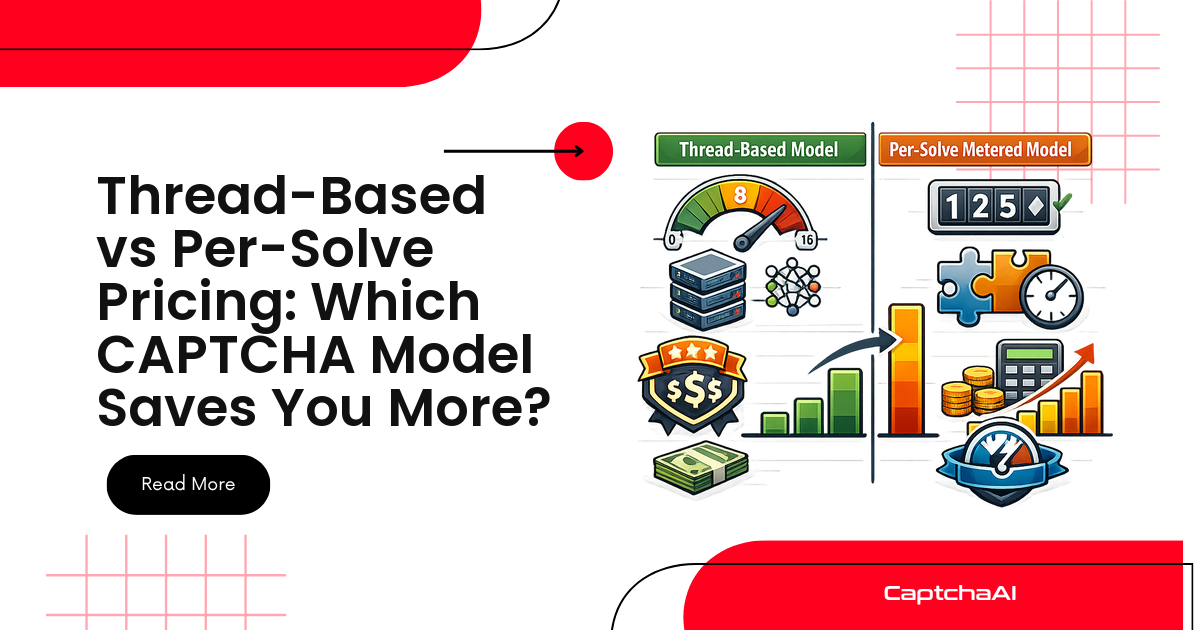
CaptchaAI uses a thread-based pricing model. You pay for:
- Plan tier — Determines your maximum concurrent threads
- Per-solve cost — Varies by CAPTCHA type
- Balance — Pre-paid credit that decreases with each solve
Your plan sets the ceiling for how many CAPTCHAs you can solve simultaneously. The per-solve cost deducts from your balance.
Cost by CAPTCHA type
Different CAPTCHA types require different infrastructure and resources. Costs vary accordingly:
| CAPTCHA type | Relative cost | Why |
|---|---|---|
| Image/OCR | Lowest | Simple ML inference, fast |
| reCAPTCHA v2 | Medium | Browser simulation required |
| reCAPTCHA v2 Invisible | Medium | Similar to v2 |
| reCAPTCHA v3 | Medium–High | Score optimization adds complexity |
| reCAPTCHA Enterprise | Higher | Enterprise validation requirements |
| Cloudflare Turnstile | Medium | Widget-based solving |
| Cloudflare Challenge | Higher | Full browser environment + proxy |
| GeeTest | Medium | Slider/interaction simulation |
| Grid Image | Medium | Computer vision analysis |
Check captchaai.com for current per-solve rates.
Thread-based plans
Your thread count determines how many CAPTCHAs can be solved in parallel:
| Threads | Good for | Typical use case |
|---|---|---|
| 1–5 | Testing, small projects | Single scraper, development |
| 10–25 | Medium workloads | Multiple scrapers, moderate traffic |
| 50–100 | Production systems | Distributed scraping, high-volume automation |
| 100+ | Enterprise | Large-scale pipelines, multi-tenant systems |
More threads = more CAPTCHAs solved per minute. If you hit ERROR_NO_SLOT_AVAILABLE, you have reached your thread limit.
Estimating monthly costs
Calculate your expected costs:
Monthly cost = (CAPTCHAs per day × per-solve rate × 30) + plan cost
Example estimates:
| Daily CAPTCHAs | Type | Approx. daily cost |
|---|---|---|
| 100 reCAPTCHA v2 | Medium rate | Budget-friendly |
| 500 mixed types | Varies | Check dashboard for rates |
| 1,000+ enterprise | Higher rate | Contact for volume pricing |
The CaptchaAI dashboard shows your usage, balance, and per-type costs in real time.
Reducing costs
| Strategy | Impact |
|---|---|
| Cache when possible | Avoid re-solving the same CAPTCHA |
| Use correct CAPTCHA type | Wrong type = wasted solve |
| Optimize polling | Fewer API calls = less overhead |
| Batch similar tasks | Queue and process efficiently |
| Monitor solve rates | Low success rate wastes credits — fix root causes |
| Use image/OCR when available | Lower cost than token-based |
| Set proper timeouts | Avoid paying for timed-out tasks |
Checking your balance
Monitor balance programmatically:
import requests

resp = requests.get("https://ocr.captchaai.com/res.php", params={
    "key": "YOUR_API_KEY",
    "action": "getbalance",
    "json": 1
})
balance = float(resp.json().get("request", 0))
print(f"Balance: ${balance:.2f}")
Set up alerts when balance drops below a threshold to avoid interruptions.
Pay-as-you-go vs plans
| Model | How it works | Best for |
|---|---|---|
| Pay-as-you-go | Add balance, threads included | Testing, variable workloads |
| Plans | Monthly subscription with thread allocation | Predictable workloads |
Both models use the same per-solve rates. Plans offer higher thread counts and may include volume discounts.
FAQ
What happens when my balance runs out?
Tasks return ERROR_ZERO_BALANCE. Set up auto-refill or balance monitoring to avoid downtime.
Can I change my plan mid-month?
Check your CaptchaAI dashboard for plan management options. Upgrades typically take effect immediately.
Do failed or unsolvable CAPTCHAs cost credits?
CAPTCHAs that return ERROR_CAPTCHA_UNSOLVABLE are typically not charged. Incorrect solves can be reported via reportbad for potential refunds.
Is there a free tier?
Check captchaai.com for current signup offers and trial credits.
How do I get volume discounts?
Contact CaptchaAI for enterprise pricing when solving 10,000+ CAPTCHAs daily or requiring 100+ threads.
Start your CaptchaAI plan
Choose the right plan for your workload at captchaai.com.
Discussions (0)
Join the conversation
Sign in to share your opinion.
Sign InNo comments yet.